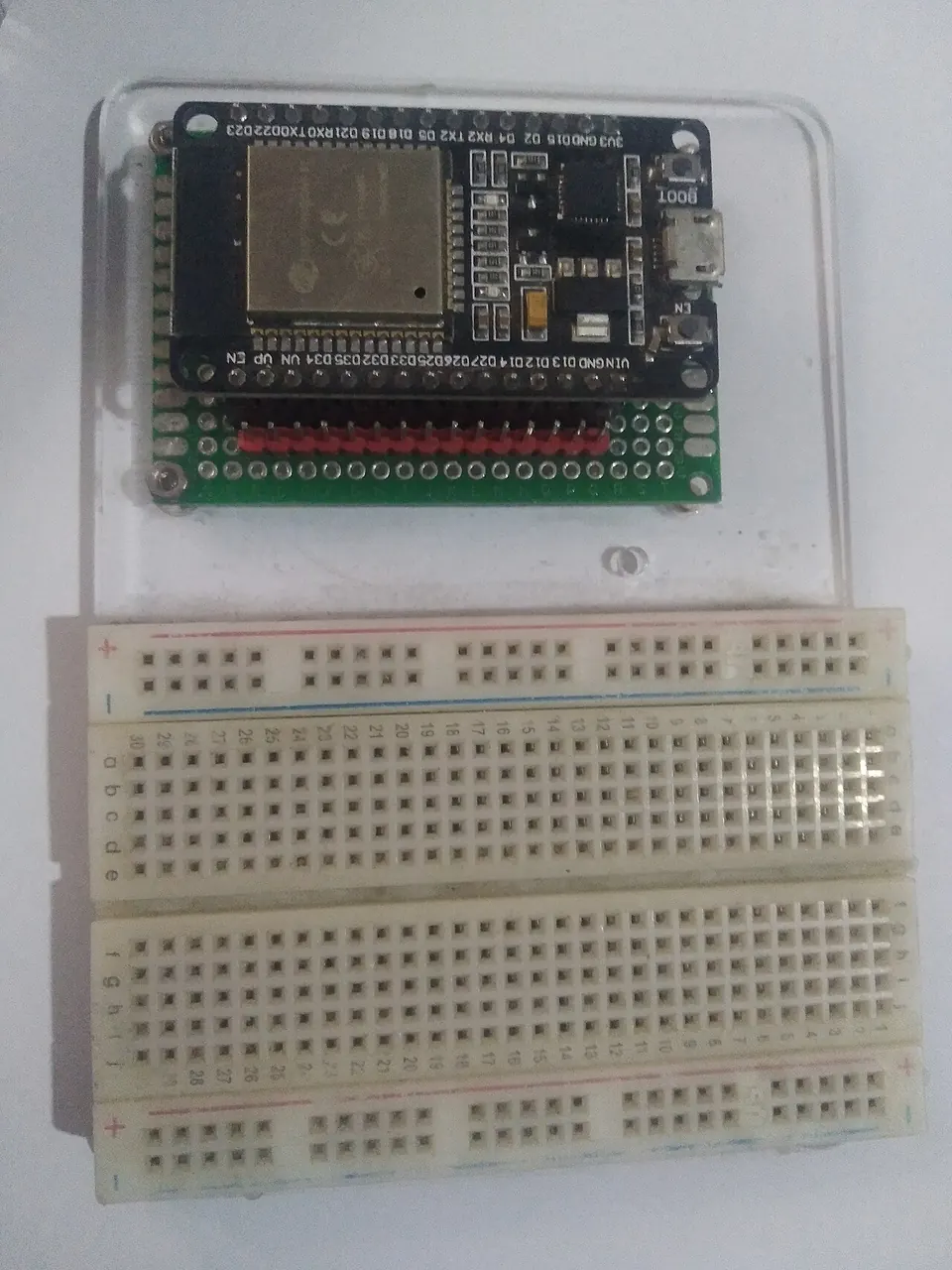
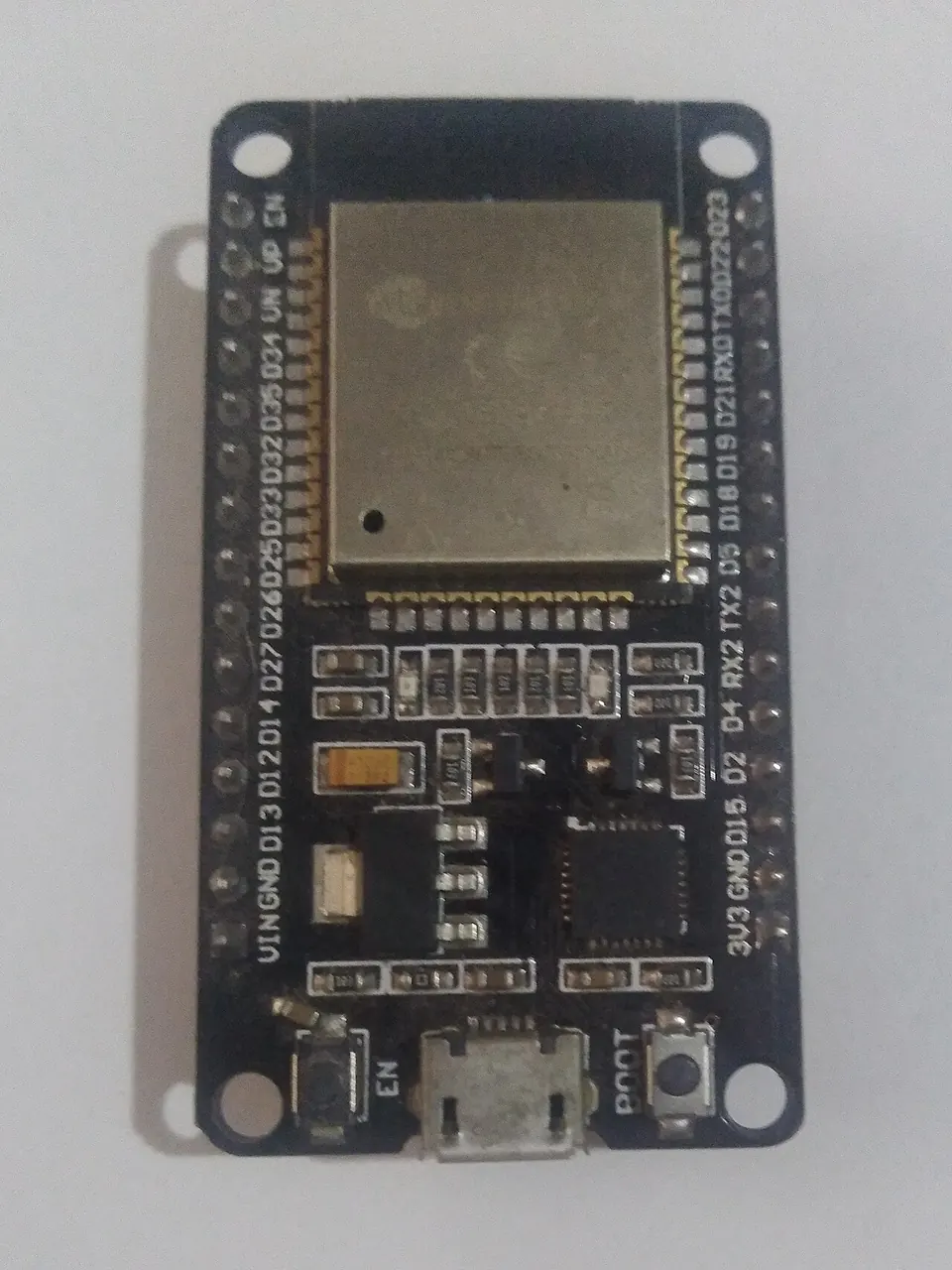
ESP32 Web Radio & Bluetooth Speaker with MP3 Decoder
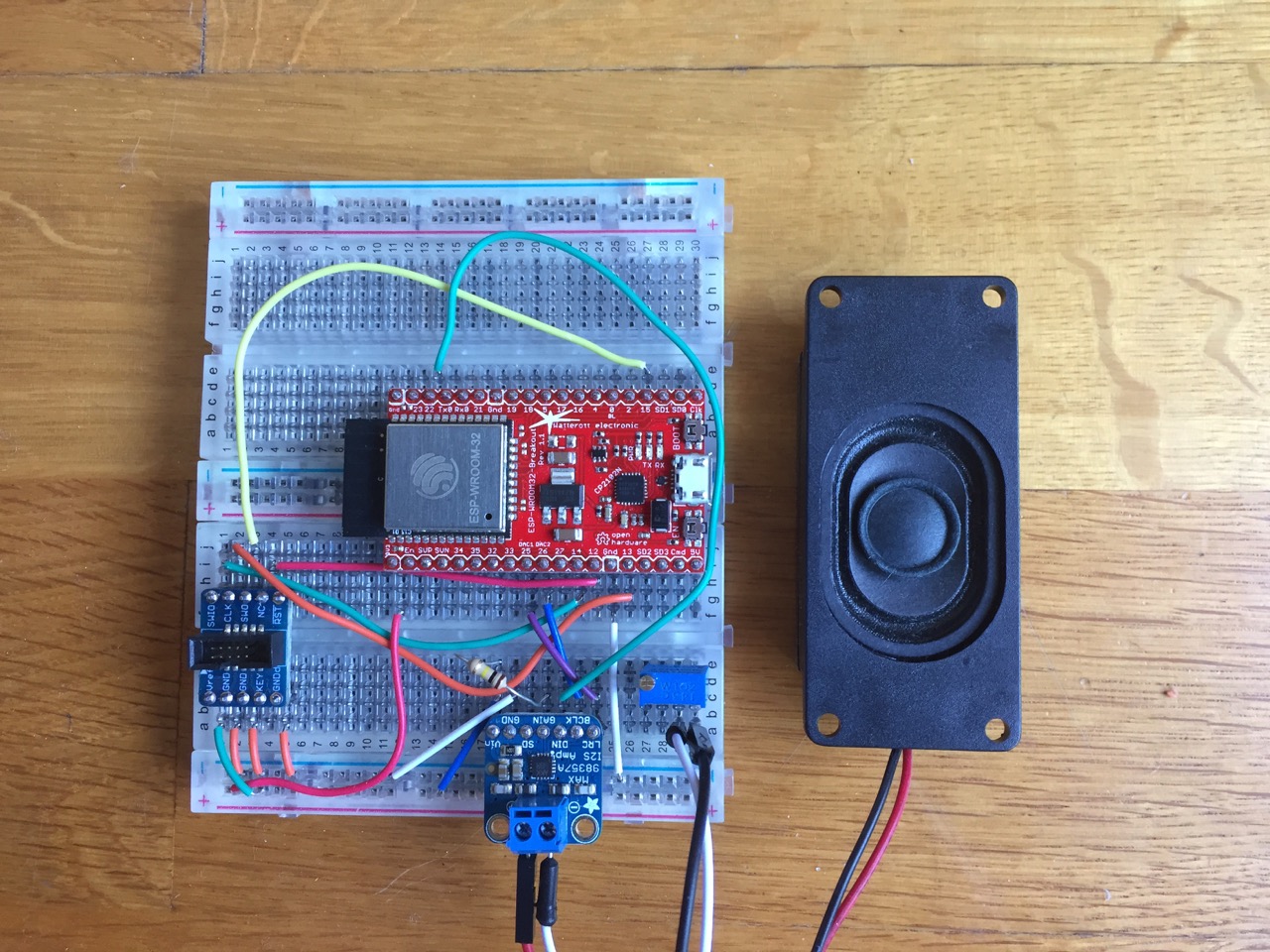
Breadboard wiring of the ESP32 with an I2S codec, using a Watterott ESP-WROOM-32-Breakout that is pin-compatible with the Espressif DevKitC.
- ESP32 (ESP-WROOM-32 / DevKitC or pin-compatible board)
- MAX98357A I2S amplifier breakout (Adafruit #3006 mono or #3346 stereo)
- PCM5102 / ES9023 I2S DAC (alternative codecs)
- NeoPixel LED (optional, pin 32)
- Speaker
- Potentiometer (optional, for volume)
What You Will Build
This project turns an ESP32 development board into a standalone internet radio receiver and Bluetooth speaker. It connects to your Wi-Fi network, pulls a stream from a web radio station listed in a playlist file, decodes the MP3 or AAC audio on-chip, and sends it to a speaker — no computer required once it is running.
The project is based on Sprite_TM's well-known ESP8266 MP3 web radio, ported to the more powerful ESP32. The extra headroom of the ESP32 enables Bluetooth A2DP alongside Wi-Fi streaming, so you can also pair it from your phone as a wireless speaker named "ESP_SPEAKER".
This is a practical weekend build that ends with a real, usable device you can leave running in your workshop or kitchen.
What You Need
Hardware
- An ESP32 development board. The author used a Watterott ESP-WROOM-32-Breakout, which is pin-compatible with the Espressif DevKitC. Any standard ESP32 dev board should work.
- An I2S audio codec. The MAX98357A is recommended because it needs no MCLK signal and includes a built-in amplifier. Adafruit sells a mono breakout (#3006) and a stereo version (#3346). Other I2S chips such as the PCM5102 will also work.
- A small speaker wired to the codec's output.
- A potentiometer for volume control (optional but recommended).
- A NeoPixel LED wired to GPIO32 for Wi-Fi status indication (optional).
- If you skip the external codec entirely, you can connect a speaker directly to GPIO25 and GPIO26 using either the built-in DAC (lower quality) or PDM output (higher quality).
Software
- Espressif's ESP-IDF SDK
- The Xtensa ESP32 toolchain, version 5.2.0
- Python (required by ESP-IDF build tools)
- A Unix-like shell (Linux, macOS, or WSL on Windows)
Typical use cases
Stream any HTTP-based web radio station from a playlist file. The Boot button skips to the next station without touching a computer.
Enable A2DP mode and the ESP32 appears as a Bluetooth audio sink on your phone or laptop, turning it into a compact wireless speaker.
A practical testbed for learning I2S wiring and evaluating different DAC and amplifier chips such as the MAX98357A or PCM5102.
Use the decoder and streaming code as a starting point for custom audio projects — smart alarm clocks, voice announcement systems, or music-reactive displays.
How It Works
When the ESP32 boots, it connects to Wi-Fi and opens the first entry in /main/playlist.pls. It downloads and decodes the stream in real time, then forwards the audio samples over I2S to the external DAC/amplifier chip, which drives the speaker.
I2S (Inter-IC Sound) is a simple three-wire digital audio bus. The ESP32 drives it on three GPIO pins:
| ESP32 Pin | I2S Signal |
|---|---|
| GPIO25 / DAC1 | LRCK (left/right clock) |
| GPIO26 / DAC2 | BCLK (bit clock) |
| GPIO22 | DATA |
The MAX98357A is the easiest codec to wire because it generates its own master clock internally — the ESP32 does not output an MCLK signal. If you use an ES9023 instead, you will need an external quartz oscillator in the 20–50 MHz range.
For the PCM5102, pull the XMT pin high (3.3 V) to un-mute the output.
In Bluetooth Speaker mode, the ESP32 presents itself as an A2DP audio sink. Your phone or laptop sees a device called "ESP_SPEAKER" and streams audio directly to it. Both modes are mutually exclusive and selected at build time through make menuconfig.
The Boot button (GPIO0) present on most dev boards skips to the next station in the playlist.
Build and Flash
1. Install the ESP-IDF SDK and toolchain
git clone https://github.com/espressif/esp-idf.git
cd esp-idf
git submodule update --init
export IDF_PATH=/path/to/esp-idf
export PATH=/path/to/xtensa-esp32-elf/bin:$PATH
Download toolchain version 5.2.0 from the ESP-IDF releases page and add its bin folder to your PATH as shown above.
2. Clone the project
git clone https://github.com/MrBuddyCasino/ESP32_MP3_Decoder.git
cd ESP32_MP3_Decoder
git submodule init && git submodule update
3. Configure
make menuconfig
Inside the menu:
- Set your serial port under Serial flasher config.
- Open Web Radio / Bluetooth Speaker and enter your Wi-Fi SSID and password.
- Choose your audio output mode: I2S codec, built-in DAC, or PDM.
- To enable Bluetooth Speaker mode, go to Component config > Bluetooth > Bluedroid Bluetooth stack enabled > Classic Bluetooth, enable A2DP, then enable Bluetooth Speaker Mode in the main submenu.
Edit /main/playlist.pls to add the HTTP stream URLs of your favourite radio stations.
4. Build
make
5. Flash and monitor
make flash
make monitor
Connect your serial cable before running make flash. The monitor command lets you watch ESP-IDF log output in real time, which is useful for diagnosing Wi-Fi connection issues.
Wiring the MAX98357A
Connect GPIO25 → LRCK, GPIO26 → BCLK, GPIO22 → DATA. Connect Vin to +5 V (or +3.3 V if +5 V is unavailable) and GND to ground. Leave SD and GAIN unconnected unless you want to adjust gain. Wire a speaker to the codec's output terminals.
Extensions and Limitations
Ideas to extend the build
- Add more stations to
playlist.plsand cycle through them with the Boot button. - Wire a NeoPixel to GPIO32 — it already blinks during Wi-Fi connection, and you could extend the firmware to show the current station or volume level.
- Replace the breadboard with a purpose-built board. The README mentions the "ESP32 Audio Developing Board" from Microwavemont as a ready-made hardware option.
- Rename the Bluetooth device from "ESP_SPEAKER" to anything you like through
make menuconfigbefore reflashing. - Add a potentiometer between the codec output and the speaker for analog volume control.
Known limitations
- AAC stream support is described as Beta; some AAC streams may not play correctly.
- The built-in DAC output (GPIO25/26 without an external codec) is lower quality than an I2S codec.
- The ESP32 does not output an MCLK signal, so asynchronous I2S chips like the ES9023 require an external quartz oscillator.
- The project uses the classic
make-based ESP-IDF build system rather than the newer CMake-based one, which may require some care when matching it to your ESP-IDF version.
ESP32_MP3_Decoder is a solid, proven starting point for anyone who wants to stream internet radio or add Bluetooth audio to an ESP32 project. The wiring is straightforward with a MAX98357A breakout, and the menuconfig system makes switching between output modes and enabling Bluetooth painless. The project is a few years old and uses the legacy make-based ESP-IDF build system, so expect to spend a little time matching SDK and toolchain versions before the build goes green.
Sources
github.comMrBuddyCasino/ESP32_MP3_Decoder — repository & READMEFacts in this article come from the project's public README and GitHub metadata at the time of writing. Images belong to their respective owners and link back to the original source.