ESP32-C6 vs S3: Key Differences and Which to Choose
What are the ESP32-C6 and ESP32-S3?
Both the ESP32-S3 and ESP32-C6 are systems-on-chip from Espressif, both built on 40 nm technology, and both supported by the ESP-IDF framework. That shared foundation is where the easy similarities end. Espressif designed them for different roles: the S3 maximises processing throughput and peripheral connectivity, while the C6 concentrates on modern wireless protocol coverage.
At the shared baseline, both chips include Wi-Fi in the 2.4 GHz band, Bluetooth Low Energy, built-in security hardware, and a broad set of peripherals. Both are capable IoT platforms for projects that need Wi-Fi and BLE working together. The real decision comes down to what each chip adds on top of that foundation — and that is where the choice between them becomes clear.
How do the CPUs compare?
The deepest difference between the two chips is processor architecture. The ESP32-S3 uses dual high-performance Xtensa LX7 cores. Two hardware execution threads mean the chip can genuinely do two things at once — running a network stack on one core while an audio pipeline or sensor-fusion loop runs on the other, with no software-scheduling compromise.
The ESP32-C6 uses a single high-performance 32-bit RISC-V core. RISC-V is an open standard instruction set, and Espressif's implementation is described as high-performance, but there is only one core. Workloads that need parallel processing will feel that constraint. Simpler, sequential workloads — periodic sensor readings, acting as a Zigbee coordinator, hosting a lightweight web server — will have no trouble with a single core.
The S3 also includes an Ultra Low Power co-processor that can be configured as either a RISC-V or FSM core. This co-processor lets the main LX7 cores enter deep sleep while a tiny background task handles wakeup logic or polls a sensor. That pairing of powerful main cores with a dedicated low-power co-processor makes the S3 particularly effective in battery-powered devices that still need serious compute when they wake up.
What are the wireless differences between the C6 and S3?
| Feature | ESP32-S3 | ESP32-C6 |
|---|---|---|
| Wi-Fi generation | Wi-Fi (2.4 GHz) | Wi-Fi 6 (2.4 GHz) |
| Bluetooth | BLE | BLE |
| 802.15.4 — Thread / Zigbee | No | Yes |
The headline wireless upgrade on the C6 is Wi-Fi 6. The S3's Wi-Fi is fully compatible with modern routers, but the C6 can leverage Wi-Fi 6 features including improved efficiency in dense wireless environments — relevant when your device shares airtime with dozens of other smart-home gadgets.
The second and often more consequential difference is the C6's built-in 802.15.4 radio, which supports both Thread and Zigbee. Thread is the mesh networking protocol at the core of the Matter smart-home standard. Zigbee is the protocol used by an enormous installed base of sensors, bulbs, and switches. Having that radio on-chip means you can build a native Thread node or Zigbee coordinator with no external hardware at all. The ESP32-S3 has no 802.15.4 radio — reaching those protocols requires adding a separate module.
Both chips share Bluetooth Low Energy, so BLE-based projects (beacons, GATT sensors, BLE mesh) are equally viable on either chip.
Does the S3 have better USB support?
Yes, and it is a meaningful practical difference. The ESP32-S3 integrates both a USB OTG interface and a USB Serial/JTAG Controller. USB OTG lets the S3 operate as a USB device — presenting itself to a host computer as a serial port, audio class device, HID controller, or mass storage device — or as a USB host, reading input from a USB keyboard or drive. That opens up a wide class of projects: streaming audio over USB, acting as a USB gamepad, or accepting firmware updates through a native USB connection without any external UART chip.
The available sources do not describe USB OTG capability for the ESP32-C6 in the same way. If your project depends on native USB host or device functionality, the S3 is the documented choice. The S3's USB Serial/JTAG Controller also simplifies development: boards that expose those pins can be flashed and debugged without a separate USB-to-serial adapter.
Which chip should you choose for your project?
Choose the ESP32-S3 when:
- Your project does heavy computation — voice recognition, image processing, audio encoding, or edge inference.
- You need USB OTG to behave as a USB device or host.
- You are coordinating multiple parallel tasks and want two hardware cores handling them independently.
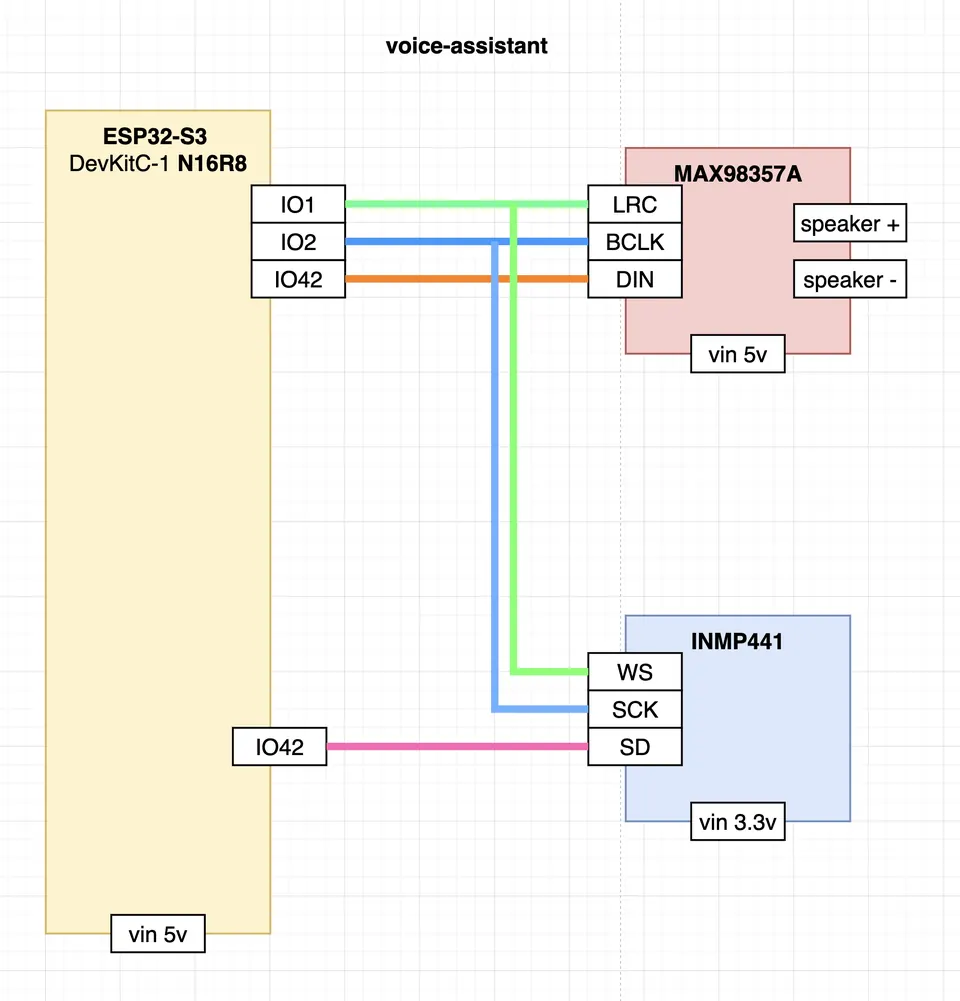
- You are building a voice assistant, a camera system, or any application where the maker community's existing S3 support gives you a head start.
Choose the ESP32-C6 when:
- Your project needs to join or run a Thread or Zigbee network — smart lighting, occupancy sensors, a Matter-compatible node, or a Zigbee coordinator.
- You want Wi-Fi 6 for better radio efficiency in a home full of wireless devices.
- Your application fits comfortably on a single core — sensor polling, a small MQTT client, a BLE presence beacon.
- You are building a device that will live permanently on mains power inside a home automation ecosystem.
As a real-world illustration: the open-source Piglet wardriving platform supports both the XIAO ESP32-S3 and the XIAO ESP32-C6 for 2.4 GHz Wi-Fi network scanning. Both chips handle that workload well. The C6 becomes the more purposeful choice specifically when 802.15.4 or Wi-Fi 6 is a design requirement — not just because it is newer.
Are there security or power differences?
Both chips include built-in security hardware and both are manufactured on a 40 nm process. The available sources describe the security hardware identically for each chip without itemising the specific mechanisms. For most maker and small-production projects, either chip provides a solid hardware security baseline. If you have specific certification requirements, Espressif's technical reference manuals are the right place to compare the details.
On power management, the S3's ultra low power co-processor gives it a documented mechanism for intelligent sleep management — the co-processor stays awake to handle wakeup events while the main cores sleep. The C6's power management details are not broken out separately in the available sources, though both chips are designed for the kind of power efficiency expected in battery-backed IoT deployments.
Quick spec comparison: ESP32-S3 vs ESP32-C6
| Attribute | ESP32-S3 | ESP32-C6 |
|---|---|---|
| CPU cores | 2× Xtensa LX7 | 1× RISC-V |
| Wi-Fi | 2.4 GHz | Wi-Fi 6, 2.4 GHz |
| Bluetooth | BLE | BLE |
| 802.15.4 (Thread / Zigbee) | No | Yes |
| USB OTG | Yes | Not documented |
| Low-power co-processor | Yes (RISC-V or FSM) | Not described in sources |
| Built-in security hardware | Yes | Yes |
| Process node | 40 nm | 40 nm |
If you arrived here searching for "esp32 s3 vs c6," the same answer applies regardless of how the comparison is framed: it comes down to compute versus connectivity. Two cores and USB OTG favour the S3; Wi-Fi 6 and Thread/Zigbee favour the C6. Both are capable, well-supported chips — the right one depends on what your specific project needs to do on the radio and on the CPU.
Frequently asked questions
Does the ESP32-C6 support Zigbee?
Yes. The C6 includes an 802.15.4 radio that supports both Thread and Zigbee, making it suitable for native Zigbee coordinator or end-device roles without any external module.
Can the ESP32-S3 connect to a Zigbee or Thread network?
Not natively. The S3 has no 802.15.4 radio. Reaching Thread or Zigbee would require an external radio module.
Does the ESP32-C6 have USB OTG like the S3?
The ESP32-S3 is documented to include USB OTG and a USB Serial/JTAG Controller. The available sources do not describe USB OTG on the C6 in the same terms.
Which chip is better for a voice assistant project?
The S3, with its dual LX7 cores and USB OTG, is the chip most commonly referenced in voice assistant projects. The dual-core architecture suits the parallel workload of audio capture, network communication, and inference.
Are both chips supported by ESP-IDF?
Yes. Both the ESP32-S3 and ESP32-C6 are supported targets in the ESP-IDF framework, so the same toolchain and development workflow applies to both.
The ESP32-S3 is the stronger chip for projects that need processing power — its dual LX7 cores and USB OTG make it the natural home for voice assistants, cameras, and USB-connected devices. The ESP32-C6 earns its place wherever the wireless protocol stack matters more than raw CPU throughput: Wi-Fi 6 efficiency and a built-in 802.15.4 radio for Thread and Zigbee make it the chip to reach for when you are building into a smart-home mesh. Pick based on what your project does, not which chip is newer.
Sources
github.comGet Started (esp-idf docs)github.comHamspiced/piglet (GitHub README)This guide summarises the public sources listed above in our own words. Check the original documentation before relying on exact figures.