ESP32 MQTT Client: Publish, Subscribe and Get Started
What is an ESP32 MQTT client?
MQTT is a lightweight publish/subscribe messaging protocol. An ESP32 MQTT client is firmware running on the ESP32 that speaks that protocol to a broker: it connects, subscribes to the topics it cares about, and the broker delivers any message published with those topics.
ESP-MQTT is Espressif's implementation of an MQTT protocol client, and it supports MQTT v5.0. If you work in the Arduino framework, espMqttClient is a non-blocking, fully compliant MQTT 3.1.1 client library for ESP8266 and ESP32 devices. In MicroPython, the usual starting point is the umqtt.simple module.
One idea is worth internalising before you write any code: the client does not browse or discover the broker. There is no concept of querying an MQTT broker. A client connects and subscribes to one or more topics, and the broker delivers messages published under those topics. Any "discovery" you build has to happen on the publishing side through the topic names you agree on.
 \2
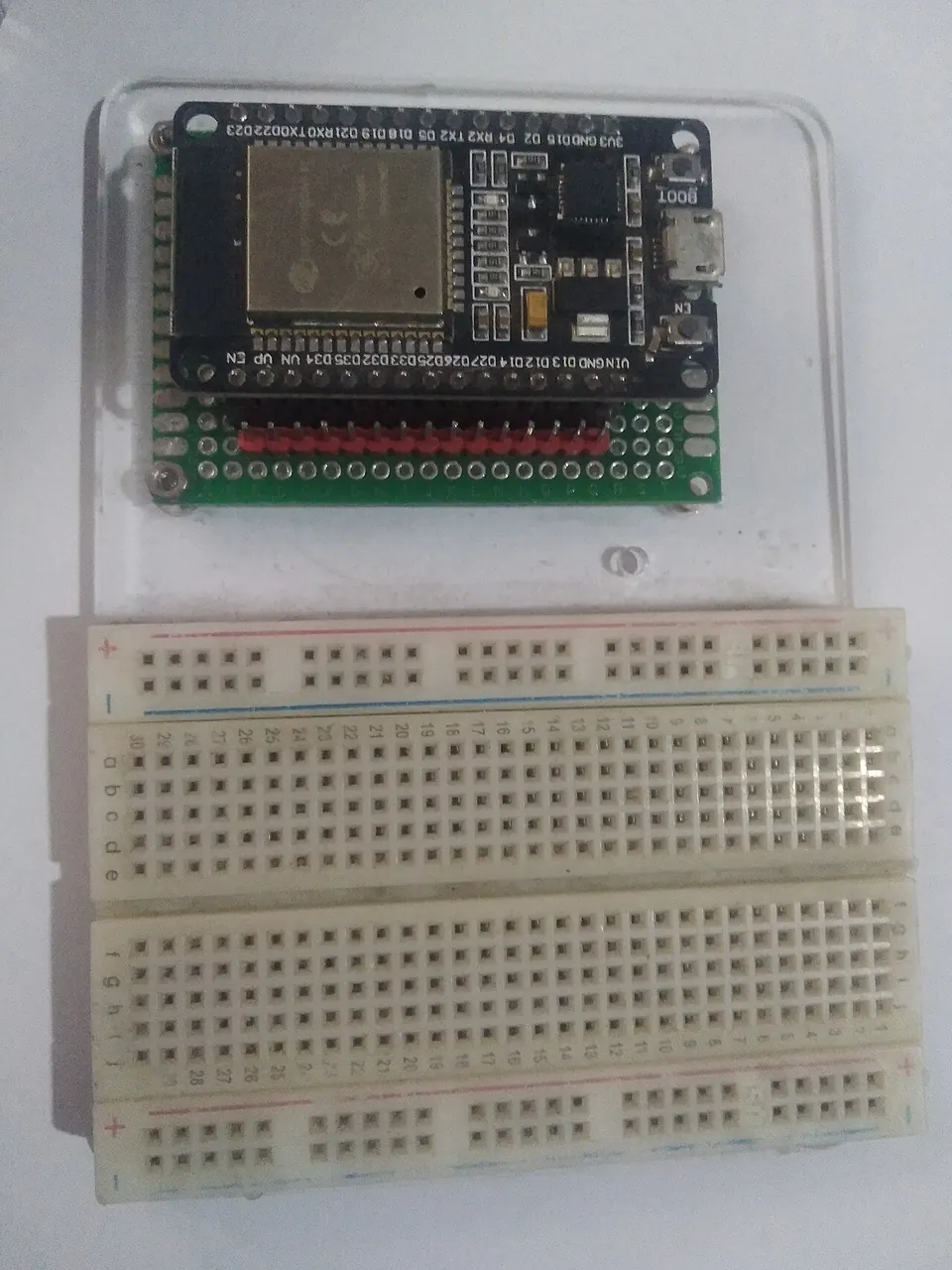
ESP32 development board: typical hardware for running an MQTT client. Image: Edwiyanto, CC BY-SA 4.0, via Wikimedia Commons
Key facts about ESP32 MQTT clients
| Topic | What the sources say |
|---|---|
| MQTT version | ESP-MQTT supports MQTT v5.0; espMqttClient is MQTT 3.1.1 compliant |
| Where ESP-MQTT lives | Moved out of ESP-IDF as of v6.0 into a separate component repo; docs are hosted separately |
| Adding the component | idf.py add-dependency espressif/mqtt |
| Reference examples | protocols/mqtt (MQTT over TLS with certificate bundle) and protocols/mqtt5 (MQTT 5.0 over TLS) |
| Arduino transports | TCP and TCP/TLS using standard WiFiClient and WiFiClientSecure connections |
| Async variants | Available via AsyncTCP or ESPAsyncTCP, with no TLS support |
| Payload limits | espMqttClient describes virtually unlimited incoming and outgoing payload sizes |
| Licensing | espMqttClient is released under the MIT licence |
 \2
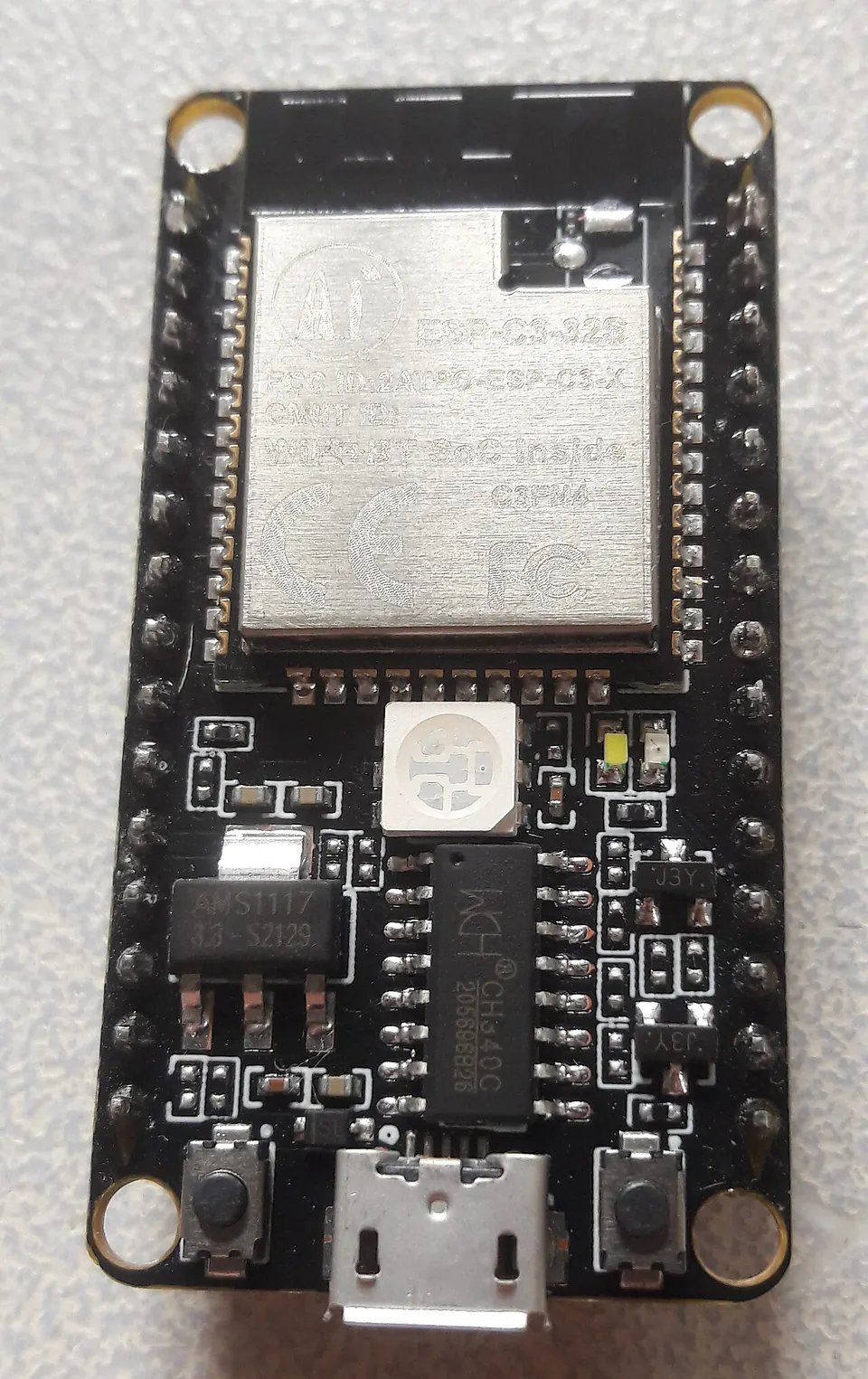
Espressif ESP-WROOM-32 Wi-Fi and Bluetooth module, the radio module used on many ESP32 boards. Image: Brian Krent, CC BY-SA 4.0, via Wikimedia Commons
How do you get started with an ESP32 MQTT client?
- Get the board onto a network the broker can reach. A MicroPython example running on a wESP32 over Ethernet logged its IP address before the MQTT client connected. Without a route to the broker, nothing else matters.
- Pick the client for your stack. In ESP-IDF, add ESP-MQTT with
idf.py add-dependency espressif/mqttand start from theprotocols/mqttexample. On Arduino, use espMqttClient. In MicroPython, useumqtt.simple. - Point the client at the broker by IP address or a resolvable name. Do not use the broker machine's own name or its loopback address unless the ESP32 is running on that machine, which it is not.
- Connect, subscribe, publish, disconnect. The MicroPython session below is the whole pattern in five lines:
from umqtt.simple import MQTTClient
c = MQTTClient("umqtt_client", "raspberrypi")
c.connect()
c.publish(b"sensors/temperature", "{:.1f}".format(21.35))
c.disconnect()
- Decide how you handle TLS. ESP-TLS gives the client several ways to verify the server: a CA certificate in a buffer, a global CA store, the x509 certificate bundle, or pre-shared keys. If no verification option is selected, the client returns a fatal error during TLS setup by default. Skipping verification is an insecure option intended for testing, and it carries the risk of connecting to a server with a fake identity.
Which library should you use for an ESP32 MQTT client in Arduino?
For the Arduino framework, espMqttClient is the library specifically aimed at Espressif devices, and it is described as aiming to be non-blocking and fully MQTT 3.1.1 compliant. It supports sending and receiving at all QoS levels, uses standard WiFiClient and WiFiClientSecure connections for TCP and TCP/TLS, and is designed to keep incoming and outgoing payload sizes effectively unlimited. It can be used from the Arduino framework or as an ESP-IDF component.
A few practical notes from the library's own documentation:
- The client is non-blocking in spirit, but the underlying
WiFiClienthas a blockingconnectmethod. On ESP32 that is not a problem because the call is offloaded to a separate task. On ESP8266, connecting blocks until it succeeds or times out. - If you need a fully asynchronous client,
espMqttClientAsyncuses AsyncTCP or ESPAsyncTCP underneath. Those libraries no longer support TLS, so the async client is for unencrypted TCP only. - Outgoing messages and session data are not stored in non-volatile memory, so a power loss or sudden reset loses that data.
The library's API is largely a drop-in replacement for the older async-mqtt-client, with some parameter type changes such as uint8_t* instead of char* for payloads. If you are starting fresh in ESP-IDF rather than Arduino, ESP-MQTT is the native component and its examples ship with TLS configured against a public test broker, using mqtts://test.mosquitto.org:8886 by default.
How does an ESP32 MQTT client subscribe to topics?
Subscriptions can target exact topics or topic patterns that include wildcard characters. The + wildcard matches a single level in a topic, and the # wildcard matches all subsequent levels. If you want to receive every message published on a broker, you subscribe to a pattern of just #.
That wildcard is also the honest answer to the common question of how to list what a broker has. There is no query mechanism. You choose topic names when publishing, and subscribing is how you opt in. If your sensor publishes to sensors/temperature, that exact string is what a subscriber needs; a wildcard such as sensors/+ lets one handler cover several sibling topics without knowing all of them in advance.
This is why topic design matters more on MQTT than it might seem. Because clients cannot enumerate what exists, the naming scheme is the API between publisher and subscriber.
What are the most common ESP32 MQTT client pitfalls?
The broker name does not resolve. A MicroPython client that worked in the REPL failed on boot with IndexError: list index out of range from the line that calls socket.getaddrinfo(self.server, self.port). The cause was that the broker was addressed by a name that only resolved on the Raspberry Pi itself, and the ESP32 could not look it up. The fix is to use the broker's IP address, or a fully qualified domain name that the ESP32 can resolve. Note that 127.0.0.1 is the loopback address and is not reachable from a device that is not running on the Pi.
The broker refuses remote clients. If the address is correct and the connection still fails, the broker may be configured not to respond to requests that do not originate on the same machine.
You expect to browse the broker. You cannot. Subscribe to # if you want everything, or to your own topics if you want to keep traffic sane. There is no discovery request to send.
TLS verification is left unset. If the client has no verification option selected, ESP-TLS returns a fatal error during the connection setup instead of quietly proceeding. Enabling the insecure skip options avoids that error but removes the protection against a server presenting a fake identity.
You reach for the async client and TLS together. The fully asynchronous espMqttClient variants rely on AsyncTCP or ESPAsyncTCP, and those libraries do not support TLS.
You assume session state survives a reboot. espMqttClient does not store outgoing messages or session data in non-volatile memory, so resets or power loss lose it.
You worry about I/O latency too much. If the same ESP32 also drives actuators, an I2C, SPI or 1-Wire expander adds minimal overhead, and any noticeable delay is far more likely to come from sharing a bus, your code, or interrupt handling than from the transfer method itself.
Frequently asked questions
Can an ESP32 be an MQTT client?
Yes. ESP-MQTT is Espressif's MQTT protocol client implementation for ESP-IDF, espMqttClient targets ESP8266 and ESP32 on the Arduino framework, and MicroPython users typically use umqtt.simple.
How do I see all topics on my broker from the ESP32?
You cannot query a broker for its resources. Subscribe to one or more topics, or to the pattern # to receive all messages published on the broker.
What is the difference between the '+' and '#' wildcards?
The + character matches a single level in a topic, while # matches all subsequent levels in a topic.
Which MQTT version do the clients support?
ESP-MQTT supports MQTT v5.0, and the ESP-IDF examples include MQTT 5.0 over TLS. espMqttClient is described as an MQTT 3.1.1 compliant library.
Why does my MicroPython MQTT client work in WebREPL but fail in main.py?
In the reported case the failure came from the broker hostname, not from where the script ran. The name only resolved on the broker machine, so the ESP32 should use the broker's IP address or a resolvable fully qualified domain name instead.
An ESP32 MQTT client is straightforward once you accept its model: connect to a reachable broker, subscribe to topics or wildcards, and let the broker push matching messages. Most failures come from addressing, not from MQTT itself, so get the broker's IP address or a resolvable name right, then choose a client that matches your stack: ESP-MQTT for ESP-IDF, espMqttClient for Arduino, or umqtt.simple for MicroPython.
Sources
github.comESP-MQTT (esp-idf docs)github.comESP-TLS (esp-idf docs)stackoverflow.comWhat request should I use from my ESP32 to discover MQTT resources on a mosquitto broker on raspbery pi?stackoverflow.comWhy does this MQTT client works fine through MicroPython's webREPL but fails in the main.py of the ESP32?electronics.stackexchange.comControlling actuators - SPI - I2C - OneWiregithub.combertmelis/espMqttClient (GitHub README)This guide summarises the public sources listed above in our own words. Check the original documentation before relying on exact figures.