Bruce Firmware: Offensive Security Tools for ESP32

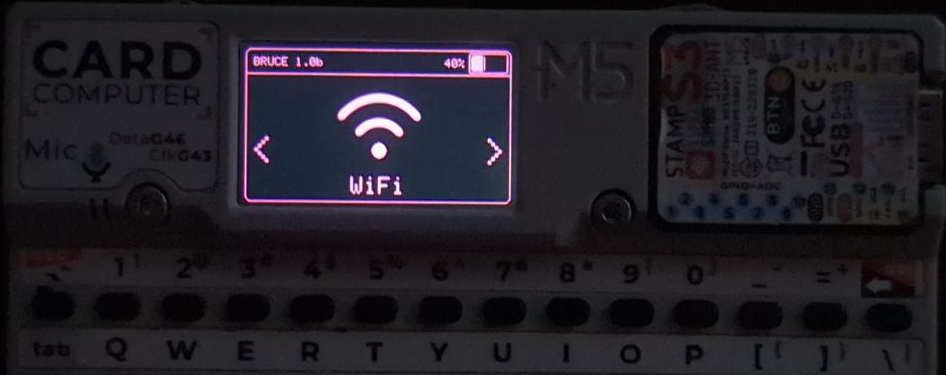
Bruce main menu displayed on a supported ESP32 device
- M5Stack Cardputer
- M5Stack M5StickC PLUS2
- M5Stack M5StickC PLUS
- M5Stack M5Core BASIC
- M5Stack M5Core2
- M5Stack M5CoreS3
- M5Stack M5CoreS3 SE
- JCZN CYD-2432S028
- Lilygo T-Embed CC1101
- Lilygo T-Embed
- Lilygo T-Display-S3
- Lilygo T-Deck
- Lilygo T-Deck Pro
- Lilygo T-Watch-S3
- Lilygo T-LoRa Pager
- Smoochiee V2
- ESP32-C5 DevKitC-1
- Bruce RF Reaper (ESP32-S3, 16 MB Flash, 8 MB PSRAM)
- Elecrow 24B
- Elecrow 3.5" ESP Terminal
- NM-CYD-C5 + RF HAT
- CC1101 Sub-GHz module
- NRF24 2.4 GHz module
- PN532 NFC/RFID module
- PN532Killer NFC/RFID module
What You Will Build
Bruce is an open-source ESP32 firmware that turns a supported handheld device into a portable offensive security platform. After a single flash you have access to WiFi attack tools (beacon spam, deauthentication, evil portal, ARP spoofing and poisoning), Sub-GHz radio scan and replay, RFID and NFC read-and-clone, IR remote capture including TV-B-Gone, Bluetooth Low Energy scanning and device spam, BadUSB payload execution, FM broadcast, a 2.4 GHz NRF24 jammer, and a built-in JavaScript interpreter — all driven from the device's own screen and buttons.
The project describes itself as built to make Red Team operations fast and portable. It draws direct inspiration from the Flipper Zero workflow: load a payload file from an SD card, select a target, run the operation. The difference is you are running on hardware you already own or can source yourself, and every line of firmware is open-source under AGPL-3.0.
 \2
\2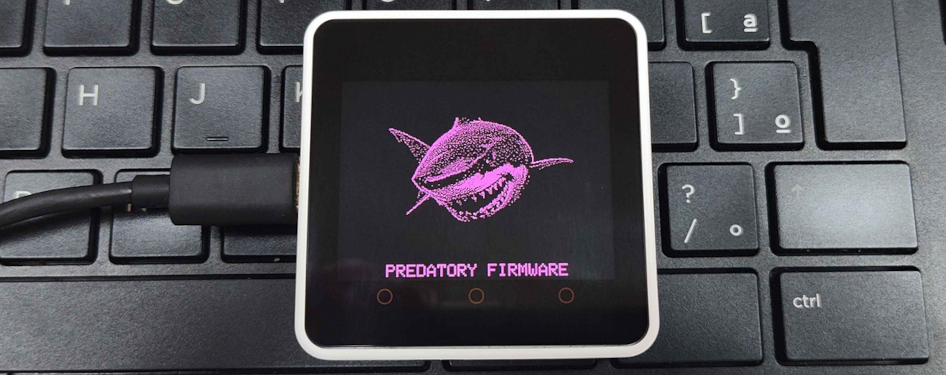 \2
\2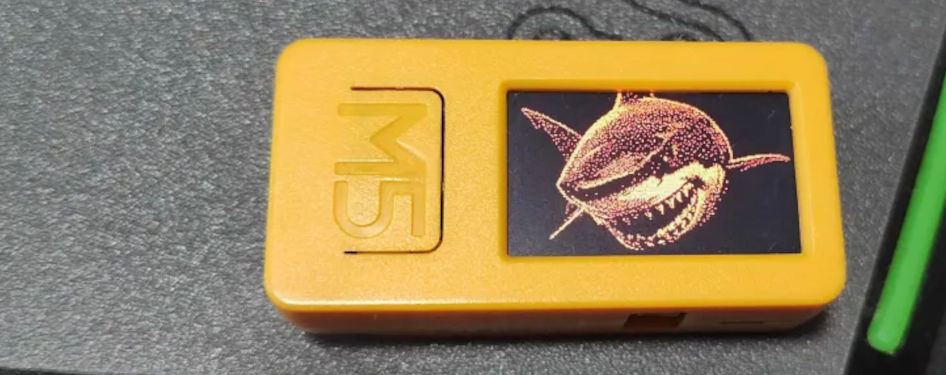 \2
\2 \2
\2Hardware and Software You Need
Supported boards — pick one that fits your budget and use case:
- M5Stack Cardputer (has a physical keyboard, good for beginners)
- M5Stack M5StickC PLUS or PLUS2
- M5Stack M5Core BASIC, M5Core2, or M5CoreS3/SE
- Lilygo T-Embed, T-Embed CC1101, T-Display-S3, T-Deck, T-Watch-S3, or T-LoRa Pager
- JCZN CYD-2432S028
- Elecrow 24B or 3.5" ESP Terminal
- ESP32-C5 DevKitC-1
- Bruce RF Reaper — the project's own devkit (ESP32-S3, 16 MB Flash, 8 MB PSRAM) with CC1101, NRF24, NFC, IR, GPS header, and microSD all on-board, plus Flipper Zero header compatibility
Optional add-on modules (support varies by board; check the README compatibility table):
- CC1101 Sub-GHz transceiver for Sub-GHz scanning and replay
- NRF24 module for 2.4 GHz operations
- PN532 or PN532Killer module for RFID/NFC
Software:
- A USB cable and a Chromium-based web browser for the web flasher (nothing to install), or
- Python with
esptool.pyfor local flashing - The correct Bruce binary for your device from the GitHub Releases page
Typical use cases
Run WiFi deauthentication, beacon spam, evil portal, ARP spoofing, and TCP port scanning from a pocket-sized device during authorized penetration tests.
Scan, capture, and replay Sub-GHz signals via CC1101, read and clone 125 kHz and NFC tags with a PN532, and probe 2.4 GHz traffic with a NRF24 module.
Load Ducky-compatible scripts from SD card or LittleFS to run keystroke injection over USB or BLE, supported on Cardputer, T-Deck, and other keyboard-equipped boards.
Combine WiFi, RF, IR, BLE, and JavaScript scripting in one belt-clip device, with ESP-NOW for device-to-device file and command transfer without an access point.
How Bruce Works
Bruce is written in C++ and compiled as a separate binary for each supported board. Pin assignments, display drivers, speaker codecs, and available peripherals are all baked in at compile time, which is why selecting the correct binary matters — a Cardputer build will not work correctly on a T-Deck.
At runtime, the firmware presents a menu-driven interface on the device's screen. Every major radio and protocol stack — WiFi, BLE, Sub-GHz RF via CC1101, NRF24, IR, RFID/NFC, FM — is available as a selectable menu item. Payload files such as Ducky-compatible BadUSB scripts, raw RF captures, and custom IR sequences are loaded from a microSD card or LittleFS internal storage, matching the Flipper Zero file format where possible. A built-in JavaScript interpreter lets you write and run custom scripts directly on the device without recompiling firmware.
ESP-NOW is used for the Connect menu, which lets two Bruce devices exchange files and commands wirelessly without an access point. The WebUI feature starts a local web server so you can manage SD card and SPIFFS files from a browser on the same network.
Flash Bruce onto Your Device
Option 1 — Web Flasher (easiest, no tools required)
Open a Chromium-based browser and navigate to https://bruce.computer/flasher. Connect your device via USB, select your board from the dropdown, and click Flash. The site handles driver negotiation and puts the device into download mode automatically.
Option 2 — esptool.py (local, works on any OS)
Download the correct Bruce-<device>.bin from the Releases page. Then run:
esptool.py --port /dev/ttyACM0 write_flash 0x00000 Bruce-<device>.bin
Replace /dev/ttyACM0 with your actual serial port (COM3 on Windows, /dev/cu.usbserial-... on macOS). Replace Bruce-<device>.bin with the exact filename for your board.
Option 3 — M5Stack tools
If you already use M5Launcher to manage an M5Stack device, install Bruce over-the-air directly from the launcher. Alternatively, open the m5burner tool, search for "Bruce", select the listing uploaded by "owner" (official builds have photos), and click Burn.
After flashing, the device boots straight into the Bruce main menu. Navigate with the buttons or touchscreen to reach any feature.
Ideas to Extend It — and Limitations to Know
Ways to take it further:
- SD card payloads: Load Ducky-compatible BadUSB scripts, Sub-GHz replay captures, or custom IR sequences from a microSD card to run pre-built chains without navigating the menu each time.
- JavaScript scripting: The built-in interpreter lets you combine features or automate sequences that the fixed menu does not expose.
- Wardriving: Pair a GPS module with the WiFi scanner to log access points to a Wigle-compatible file, then upload it later via the SD card manager.
- ESPNOW coordination: Use the Connect menu to send files and commands wirelessly between two Bruce devices without an access point — useful for multi-device field operations.
- RF REAPER devkit: If you want every major feature working without soldering add-on modules, the RF REAPER ships with CC1101, ST25R3916 NFC, NRF24, IR, GPS header, and microSD on a single board.
Limitations to check before you buy:
- Feature availability varies significantly by board. CC1101, NRF24, FM, microphone input, BadUSB, RGB LEDs, and the speaker codec are not supported on every device — verify the compatibility table in the README against your specific board before purchasing hardware.
- RFID tag emulation is listed as not yet implemented.
- FM Spectrum, Hijack Traffic Announcements, and Mousejack are listed as planned but incomplete.
- Bruce is designed for authorized security research and testing. Using its offensive features against networks or devices you do not have permission to test is illegal in most jurisdictions.
Bruce is one of the most feature-complete offensive security firmwares available for commodity ESP32 hardware, with a wide board support matrix, active development, and a web flasher that removes almost all setup friction. The main catch is that feature availability varies substantially by board, so cross-referencing the README compatibility table before buying hardware is essential. For anyone who wants everything working out of the box, the RF REAPER devkit removes the guesswork entirely.
Sources
github.comBruceDevices/firmware — repository & README bruce.computerOfficial websiteFacts in this article come from the project's public README and GitHub metadata at the time of writing. Images belong to their respective owners and link back to the original source.