Sesame Robot: Build an ESP32 Mini Quadruped for $50–60
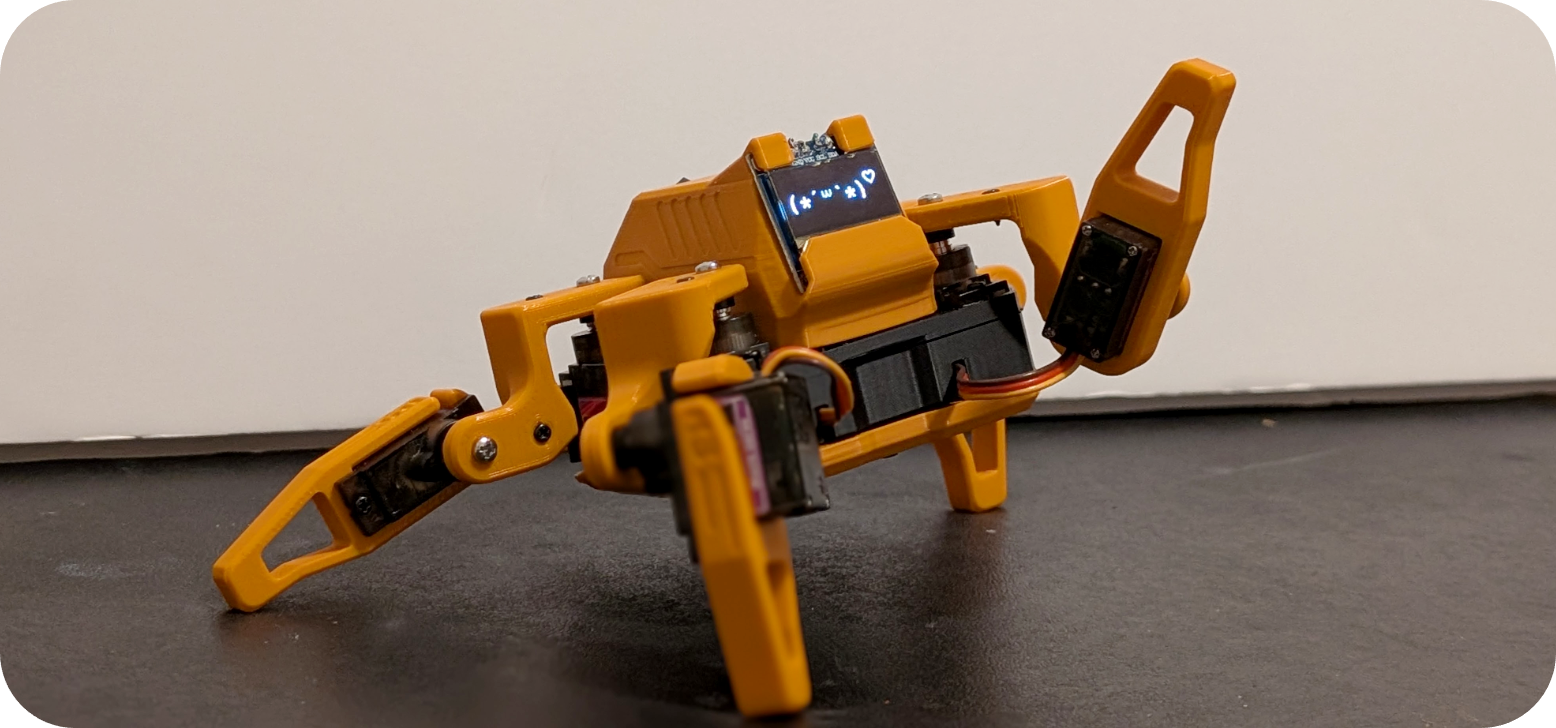
The fully assembled Sesame robot showing its 3D-printed quadruped body and OLED face display.
- Lolin S2 Mini
- Sesame Distro Board V3
- Sesame Distro Board V2
- ESP32-DevKitC-32E
- 8x MG90 180-degree servo motors
- 128x64 OLED display
- Bambu Lab 14500 7.4V 800mAh Li-ion battery (optional)
What You Will Build
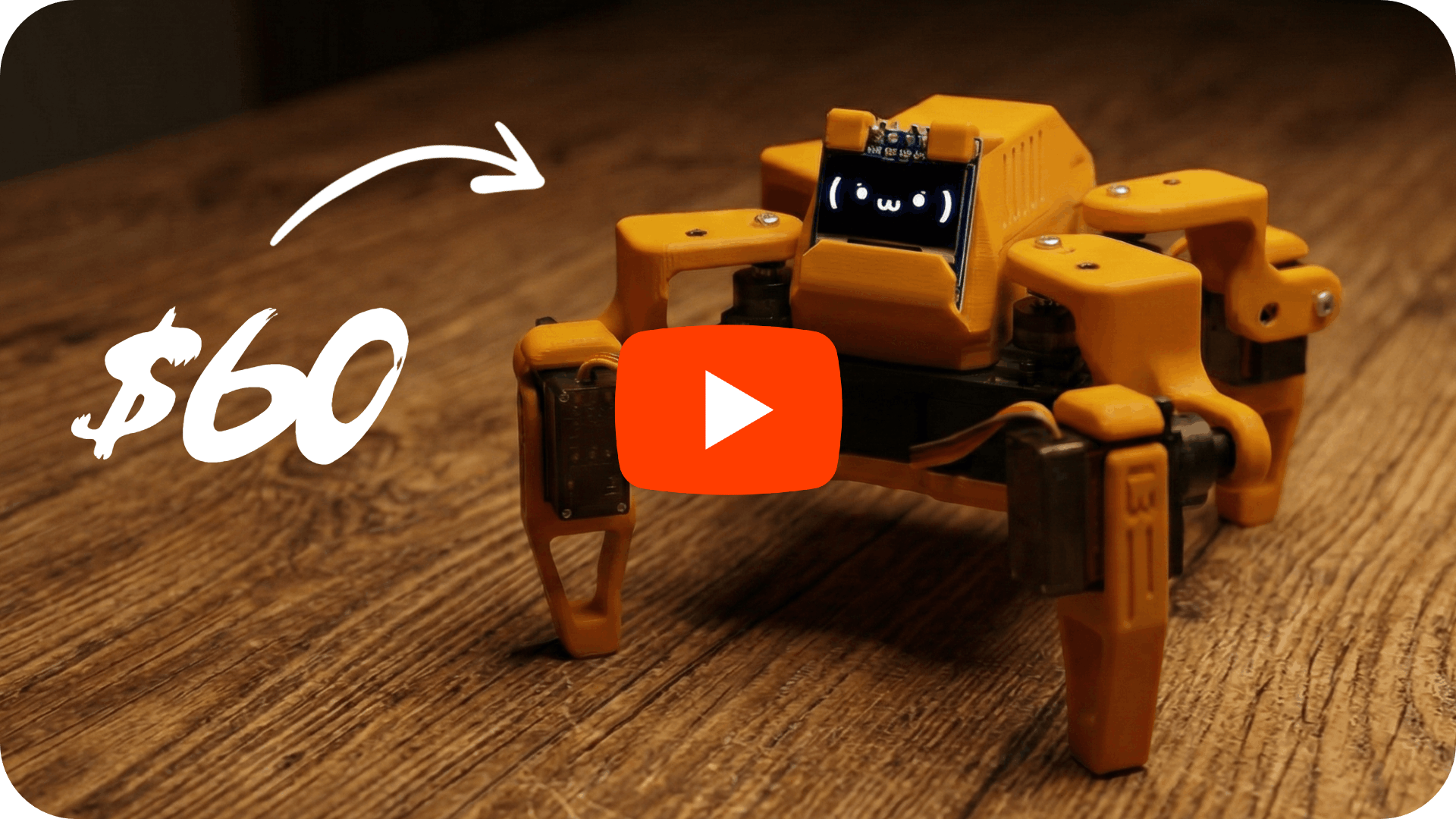
Sesame is a small four-legged walking robot you assemble yourself from 3D-printed parts and off-the-shelf electronics. It uses 8 MG90 servo motors — two per leg — to achieve roughly 8 degrees of freedom, giving it a surprisingly expressive gait. A 128×64 OLED screen on the front acts as a reactive face that syncs animations with movement, so Sesame waves, dances, points, and rests with personality.
Beyond the physical build, Sesame ships with a WiFi access point and a RESTful JSON API, letting you command it from a phone browser, a Python script, or the Sesame Companion App — which adds voice-assistant control and dynamic facial expressions driven by conversation. There is also Sesame Studio, a desktop animation composer that generates C++ servo code for you, and a community-built Rust simulator for testing kinematics in a browser before touching hardware.
 \2
\2 \2
\2 \2
\2What You Need
Hardware (from the Bill of Materials in the repository):
- Microcontroller: Lolin S2 Mini (recommended for DIY builds), Sesame Distro Board V3 (pre-flashed, supports Bambu Lab battery), Distro Board V2 (USB-only, legacy), or ESP32-DevKitC-32E with Distro Board V1
- 8× 180-degree MG90 servo motors
- 5V 3A power supply — USB-C PD works for the S2 Mini and V2 Distro Board; a battery plus buck converter is also supported
- Optional: Bambu Lab 14500 7.4V 800mAh Li-ion battery (V3 board)
- 128×64 OLED display (included in the build)
Tools and skills:
- Access to a 3D printer (PLA, minimal supports required)
- Basic soldering skills
- Arduino IDE installed on your computer
- Python (for the Sesame Companion App, if you want voice control)
All STL files, CAD files, a full Bill of Materials, a wiring guide, and a build guide are included in the repository.
Typical use cases
Build a small walking robot that waves, dances, and reacts to commands from your phone browser or Serial CLI — a hands-on introduction to quadruped locomotion.
Pair Sesame with the Python Companion App to control it by voice and watch its OLED face express emotions that sync with conversation in real time.
Use the included URDF/MJCF model and ML tools to train locomotion policies, test recovery behaviors, and evaluate sim-to-real transfer without specialized hardware.
Design original poses and motion sequences in Sesame Studio, export C++ keyframe code automatically, and reflash to see new animations on the physical robot.
How It Works
The ESP32 firmware (sesame-firmware-main.ino) handles three main jobs simultaneously: servo kinematics for all 8 motors, face animation on the OLED, and a WiFi control interface.
When powered on, Sesame creates a WiFi access point you connect to from any device. From there you can use the built-in web UI, the Serial CLI, or send HTTP requests directly to the JSON API — the same API the Python Companion App uses for voice control.
Animations are sequences of servo angle keyframes. Sesame Studio, included under software/sesame-studio/, lets you visually pose the robot using a schematic interface and automatically generates the C++ code for those poses. You copy that code into the firmware and reflash.
The expressive face library includes variants designed for voice-assistant interactions — Sesame's mouth moves in sync with speech events, making it feel conversational rather than mechanical. The ML tools extension (a separate repository by Luke Hollis) goes further, providing URDF and MJCF robot descriptions, sim-to-real training tasks (stand, recovery, locomotion, navigation), and policy evaluation metrics including tracking, fall, collision, energy, and latency.
Build and Flash Steps
Follow the five steps outlined in the repository in order:
Step 1 — Gather parts. Open the BOM at hardware/bom/README.md and order everything. Budget $50–60 USD.
Step 2 — Print the body. Download the STLs and follow hardware/printing/README.md. Print in PLA; minimal supports are needed.
Step 3 — Assemble and wire. Follow docs/build-guide/README.md and docs/wiring-guide/README.md to fit the frame together and connect the 8 servos, OLED, and power.
Step 4 — Flash firmware. Open firmware/sesame-firmware-main.ino in Arduino IDE, configure your WiFi AP settings inside the sketch, then upload to your ESP32. The firmware README at firmware/README.md has board-specific notes.
Step 5 — Create animations. Open Sesame Studio from software/sesame-studio/, pose the robot visually, export the generated C++ code, paste it into the firmware, and reflash.
Once flashed, connect your phone to the Sesame access point and open the web UI to test walking, waving, and the other built-in emotes before diving into custom animations or the Companion App.
Extend It and Know Its Limits
Ideas to take it further:
- Install the Sesame Companion App (separate Python repository) to add voice commands and context-aware facial expressions over your local network.
- Use the Sesame Simulator (browser-based, Rust, by Jay Li) to prototype new gaits without risking servo wear on real hardware.
- Explore the Sesame ML Tools (separate repository by Luke Hollis) to train and evaluate locomotion policies using the included URDF/MJCF robot descriptions and RL tasks.
- Add sensors — the project README calls out ultrasonic and gyro as natural next steps for pull requests.
- Fork the design to experiment with new body shapes, cosmetics, or extra axes of motion.
Limitations to keep in mind:
- The current firmware is described as a basic implementation; kinematics are functional but not optimized.
- A 3D printer is a hard requirement — the body is not available pre-printed from the project itself.
- Network control works over the local access point or local WiFi; there is no built-in remote internet access.
- The ML tooling lives in a separate repository and requires additional setup beyond the core build.
Sesame is one of the most complete open-source quadruped projects available at this price point — CAD files, STLs, firmware, a visual animation tool, a Python companion app, and an ML research toolchain are all included or linked. The $50–60 build cost and PLA-friendly design make it genuinely accessible, though you do need soldering skills and a 3D printer. If you want a walking robot that is also a programmable platform for gaits, expressions, and eventually machine-learning policies, Sesame is a strong starting point.
Sources
github.comdorianborian/sesame-robot — repository & README doriantodd.comOfficial websiteFacts in this article come from the project's public README and GitHub metadata at the time of writing. Images belong to their respective owners and link back to the original source.