AmbiSense: Build a Radar-Controlled LED System with ESP32

AmbiSense v6 — radar-controlled LED system built on ESP-IDF and FreeRTOS
- ESP32-S3 DevKitC-1
- ESP32-S3-Zero
- ESP32-C3 SuperMini
- LD2410 radar sensor (24 GHz)
- LD2412 radar sensor
- LD2420 radar sensor
- LD2450 radar sensor
- WS2812B (NeoPixel) LED strip
- 5V power supply
What You Will Build
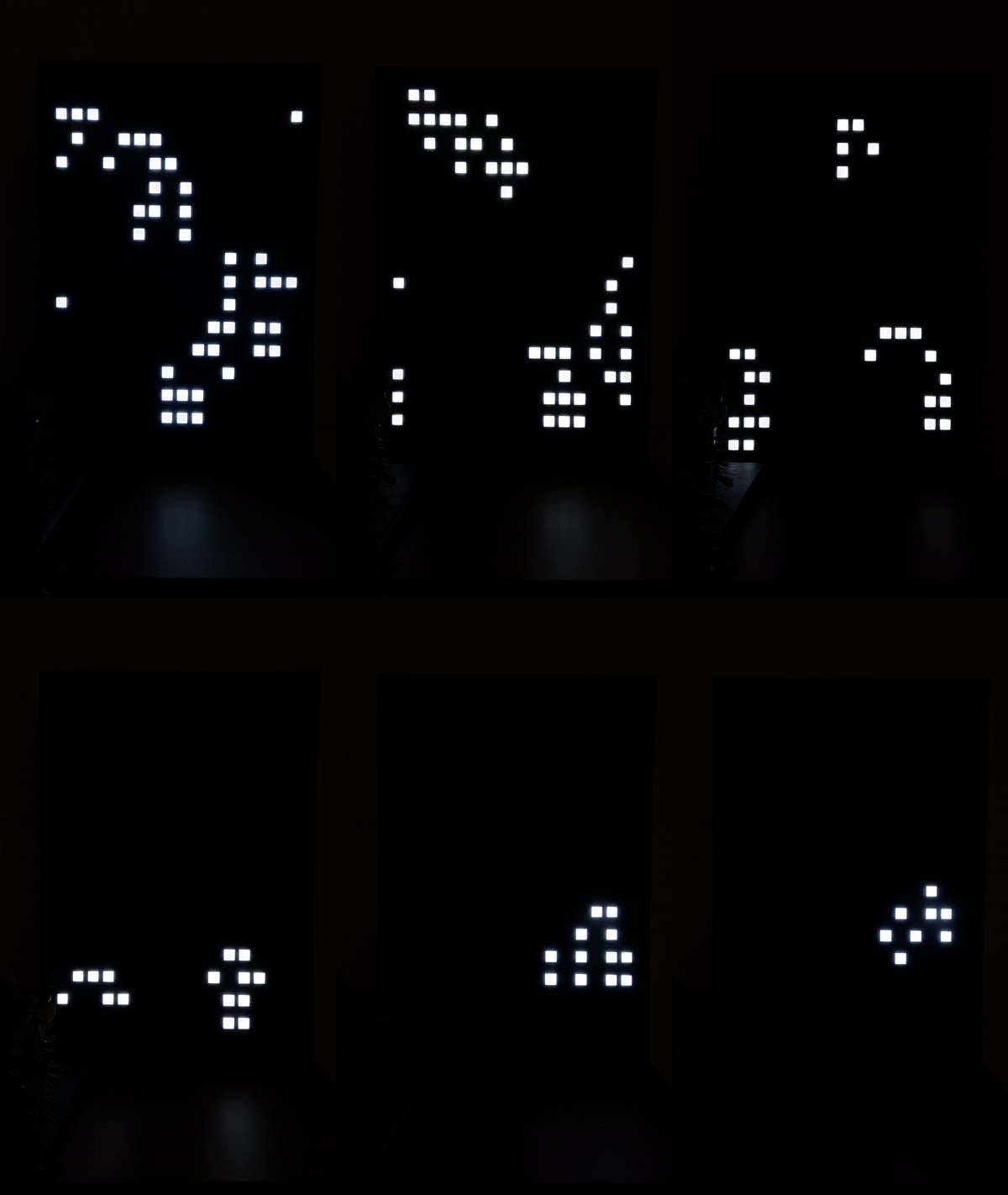
AmbiSense turns a WS2812B LED strip into a presence-aware light bar. A 24 GHz radar module measures how far away a person is and feeds that data to an ESP32, which illuminates the section of the strip closest to the detected position. As you walk toward or away from it, the lit zone moves with you in real time.
The effect works without any camera, so there are no privacy concerns — the radar reports distance and movement, nothing more. Lighting reacts instantly to presence, fades to a configurable background level when no one is nearby, and supports more than ten built-in effects including Rainbow, Fire, Color Wave, and Breathing.
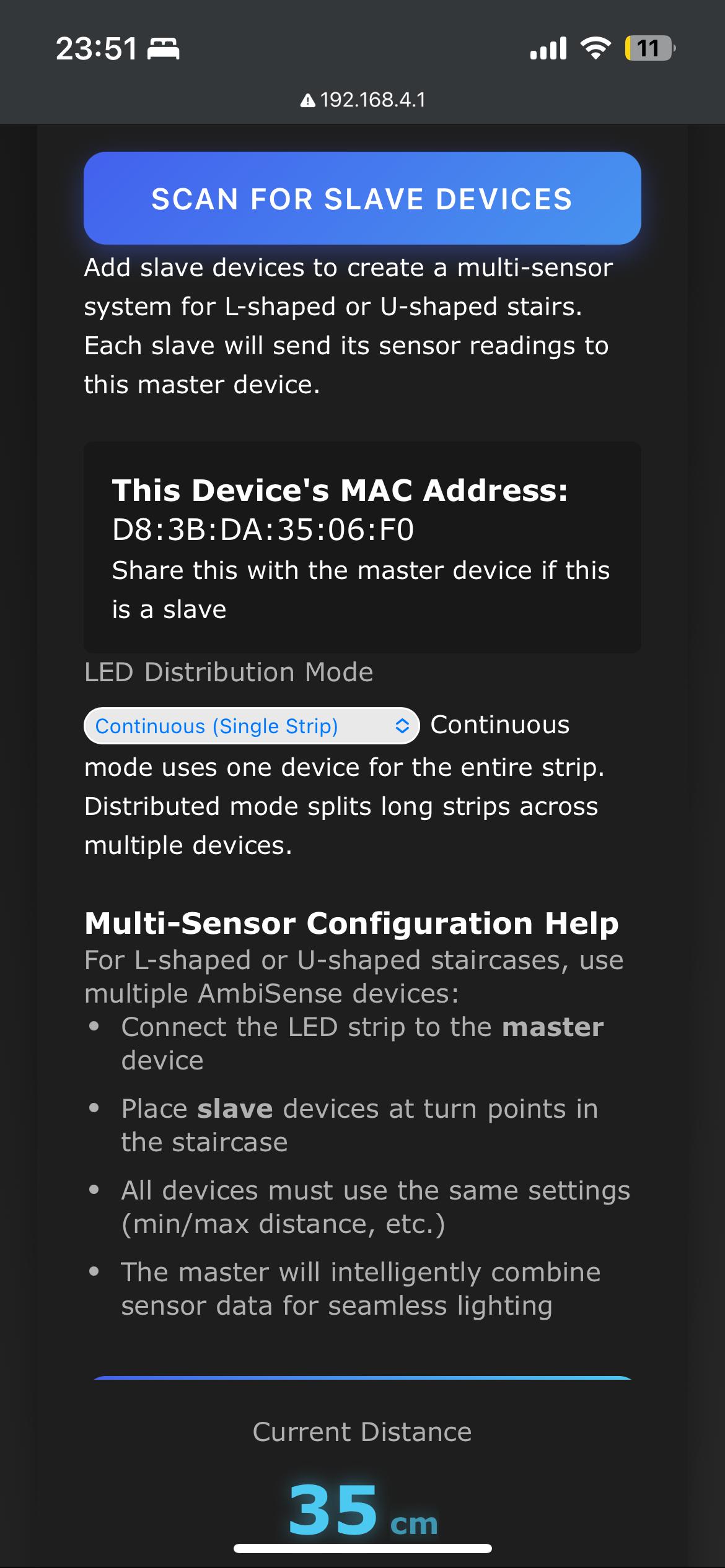
With the v6.0.0 firmware, you also get multi-device coordination over ESP-NOW, so two or more AmbiSense units can hand off smoothly across a long hallway or an L-shaped or U-shaped staircase. Every setting is controlled from a responsive web UI — no app required, no cloud, and no need to reflash when you swap radar models.
 \2
\2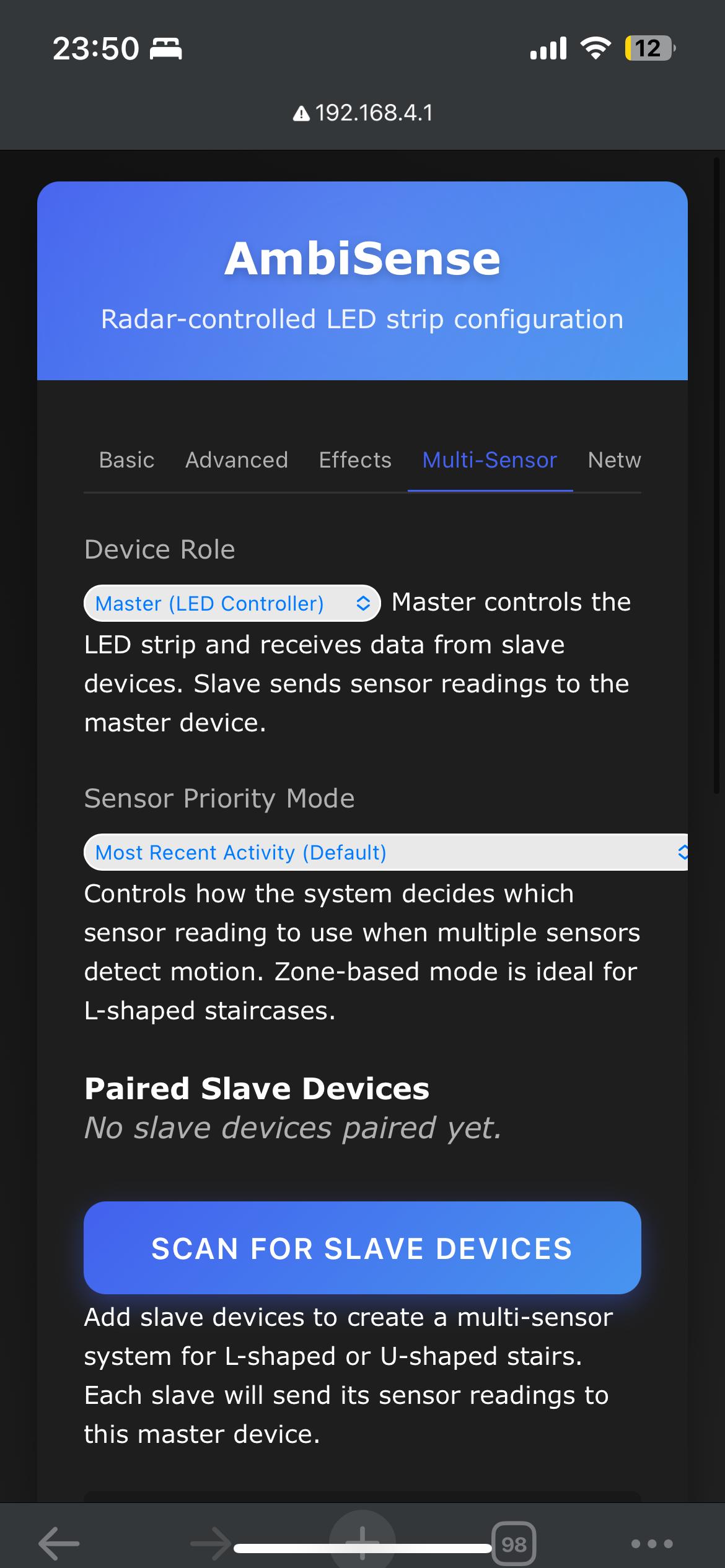 \2
\2What You Need
Hardware
- ESP32-S3 DevKitC-1 or S3-Zero (recommended for new builds; dual-core, native USB)
- ESP32-C3 SuperMini (supported for single LED-strip installs)
- LD2410, LD2412, LD2420, or LD2450 24 GHz radar sensor module — the firmware's modular driver layer lets you switch between them from the web UI without reflashing
- WS2812B (NeoPixel) compatible LED strip
- 5V power supply sized for your strip length
- Connecting wires and a breadboard or PCB for prototyping
For a multi-sensor staircase build, add one ESP32 plus one radar module per additional coverage zone (up to five slave devices per coordinator).
Software
- ESP-IDF v5.5.2 if you plan to build from source
esptool(Python) if you want to flash the pre-built binary — install withpip install esptool- A serial driver for your board's USB-to-UART chip
- VSCode with Espressif's ESP-IDF extension is recommended for IntelliSense, though the code builds correctly via
idf.pywithout it
Typical use cases
Mount one unit at each landing of an L-shaped or U-shaped staircase. The ESP-NOW mesh hands presence detection between devices so the lit zone follows you up or down without gaps.
A single unit covers a straight hallway. The LED strip lights up the section nearest to you and fades when you leave — no PIR false triggers and no camera privacy risk.
Use the custom Home Assistant integration to trigger scenes, log occupancy, or chain AmbiSense events with other smart home devices and automations.
The web UI's real-time LED preview and tunable Kalman filter make AmbiSense a good base for interactive art or exhibition lighting where response speed and effect style need frequent adjustment.
How It Works
The v6 firmware is structured as independent FreeRTOS tasks: one reads the radar over UART, one applies a Kalman-based motion filter (three user-adjustable knobs), one drives the LED strip, one serves the web UI, and one manages the ESP-NOW peer mesh. Because each task runs on its own schedule, an HTTP request from your phone no longer starves the LED renderer — a problem that existed in the previous Arduino-based v5 line.
The radar driver layer is modular. The LD2410, LD2412, LD2420, and LD2450 each have their own driver, and a simulation driver lets you test without hardware attached. You select the active driver from the web UI at runtime.
For multi-device installs, every unit runs the same firmware. The device with the lowest MAC address automatically becomes the coordinator. Pairing is asymmetric — tap Pair on either unit and both join the mesh. The coordinator fuses incoming sensor data from all peers and drives its own strip accordingly.
Settings are stored in NVS (non-volatile storage) with PBKDF2-SHA256 authentication. OTA updates include rollback support, so a bad flash does not brick the device.
Wiring the Hardware
The table below covers the ESP32-C3 SuperMini to LD2410 connection, which is the reference wiring documented in the README. Consult docs/HARDWARE.md in the repository for the full pin map for ESP32, S3, and C6 boards, as well as the other supported radar modules.
| ESP32-C3 Pin | LD2410 Pin | Function |
|---|---|---|
| GPIO3 (RX) | TX | Serial data from radar |
| GPIO4 (TX) | RX | Serial data to radar |
| 5V | VCC | Power |
| GND | GND | Ground |
The WS2812B LED strip connects to a GPIO pin; the exact pin depends on your board profile. Use the in-app board picker to view and edit the pin map for your specific board before wiring.
Each device in a multi-sensor setup needs its own 5V supply. Do not chain power across long runs of LED strip without accounting for voltage drop.
Flash and Configure
Option A — Pre-built binary (ESP32-C3, fastest path)
Download the three binary files from the v6.0.0 release page, then flash with esptool:
pip install esptool
python -m esptool --chip esp32c3 -p /dev/ttyUSB0 -b 460800 \
    --before default_reset --after hard_reset write_flash \
    --flash_mode dio --flash_size 4MB --flash_freq 80m \
    0x0     bootloader-c3-v6.0.0.bin \
    0x8000  partition-table-c3-v6.0.0.bin \
    0x10000 ambisense-c3-v6.0.0.bin
Replace /dev/ttyUSB0 with your actual serial port (COMx on Windows).
Option B — Build from source (any supported target)
Requires ESP-IDF v5.5.2 installed at ~/esp/esp-idf-v5.5.2/.
git clone https://github.com/Techposts/AmbiSense.git
cd AmbiSense/firmware
. ~/esp/esp-idf-v5.5.2/export.sh
idf.py set-target esp32c3   # or: esp32, esp32s3, esp32c6
idf.py build flash monitor
First boot and setup
After flashing, the device broadcasts a Wi-Fi access point named AmbiSense-XXXX. Connect from your phone and the captive portal opens automatically at http://192.168.4.1/. Enter your home Wi-Fi credentials; the device joins the network and becomes reachable at http://ambisense-XXXX.local/.
From the web UI you can select your radar model, choose your board and edit its pin map, adjust LED count and effects, tune the Kalman filter, and configure the ESP-NOW mesh — all without reflashing.
Extend It and Known Limitations
Ideas to take it further
- Staircase mesh: Add a second (or third) AmbiSense unit at the top or bottom of a staircase. All devices run identical firmware; the lowest-MAC device becomes coordinator automatically. The web UI lets you choose a sensor priority mode — Zone-Based is recommended for L-shaped and U-shaped layouts.
- Home Assistant: A custom integration exists for controlling AmbiSense and building automations directly from Home Assistant.
- Swap radar sensors: The LD2450 adds multi-target tracking. Switch to it from the web UI without reflashing — useful if you want to track multiple people simultaneously.
- Custom effects: The firmware ships with more than ten built-in modes (Standard, Rainbow, Color Wave, Breathing, Fire, Theater Chase, and others). Directional trail length and background brightness are both adjustable.
- 3D-printed enclosure: STL files for an enclosure are included in the
STL Files/folder of the repository.
Limitations to keep in mind
- The pre-built binary targets the ESP32-C3 only. Building for ESP32-S3, ESP32, or ESP32-C6 requires setting up the full ESP-IDF v5.5.2 toolchain.
- The active development branch (
v6-idf-rewrite) is ahead of the released v6.0.0 tag with features like encrypted ESP-NOW and S3 dual-core optimizations, but it is not yet a stable release. - VSCode users without the Espressif ESP-IDF extension will see IntelliSense errors for IDF headers; the project still builds correctly via
idf.py.
AmbiSense v6.0.0 is a well-engineered ambient lighting project that goes well beyond a basic motion-activated strip. The ESP-IDF and FreeRTOS rewrite brings genuine architectural improvements — independent tasks, a modular radar driver, Kalman filtering, OTA with rollback, and a functional peer mesh — that make it a solid foundation to build on. The pre-built binary makes entry easy for ESP32-C3 owners, while source builds open the project to the S3 and C6 for more demanding multi-device installs.
Sources
github.comTechposts/AmbiSense — repository & README techposts.orgOfficial websiteFacts in this article come from the project's public README and GitHub metadata at the time of writing. Images belong to their respective owners and link back to the original source.