ESP32-S3-WATCH-rs: Build a Voice-Driven Smartwatch OS in Rust
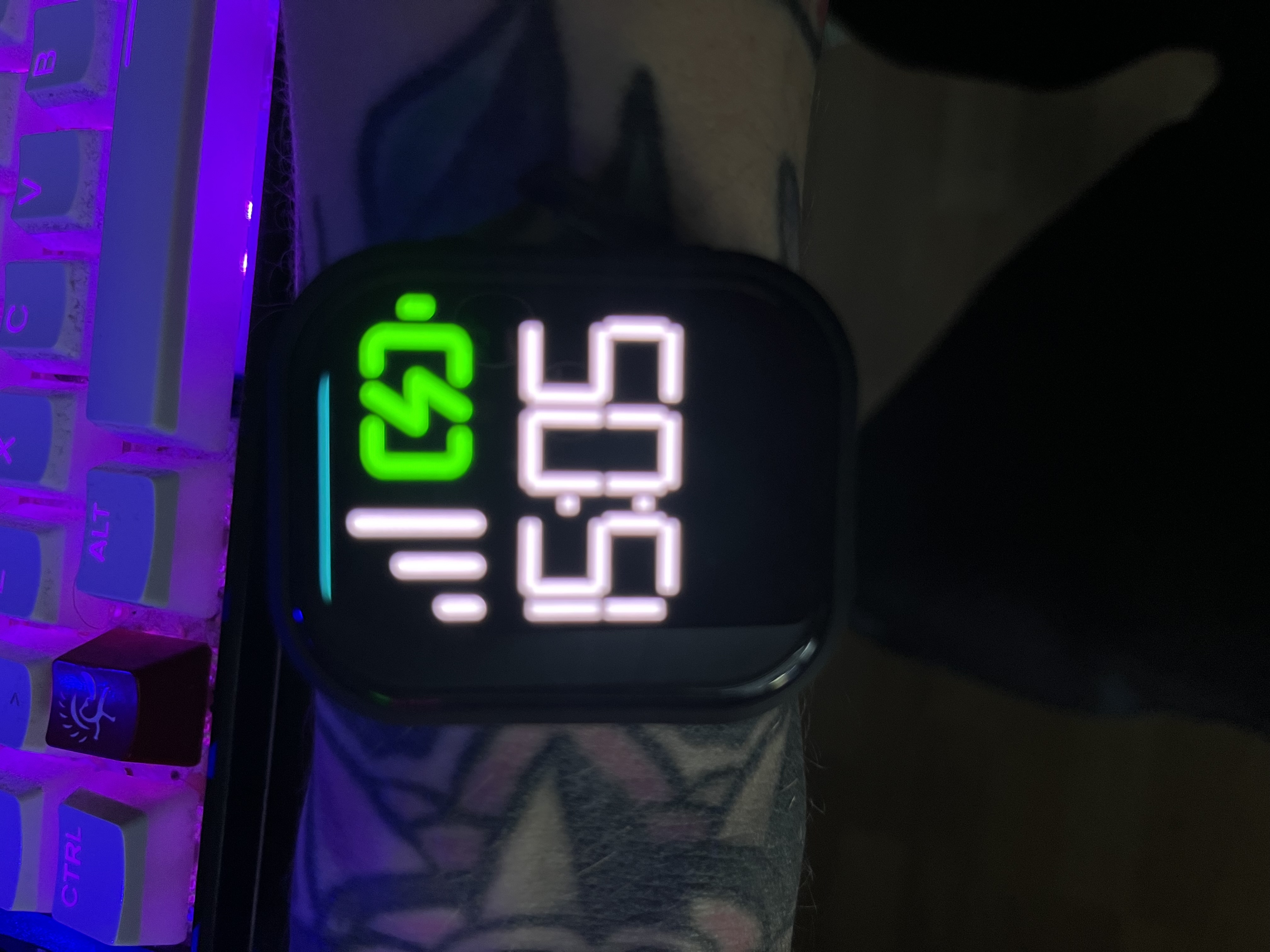
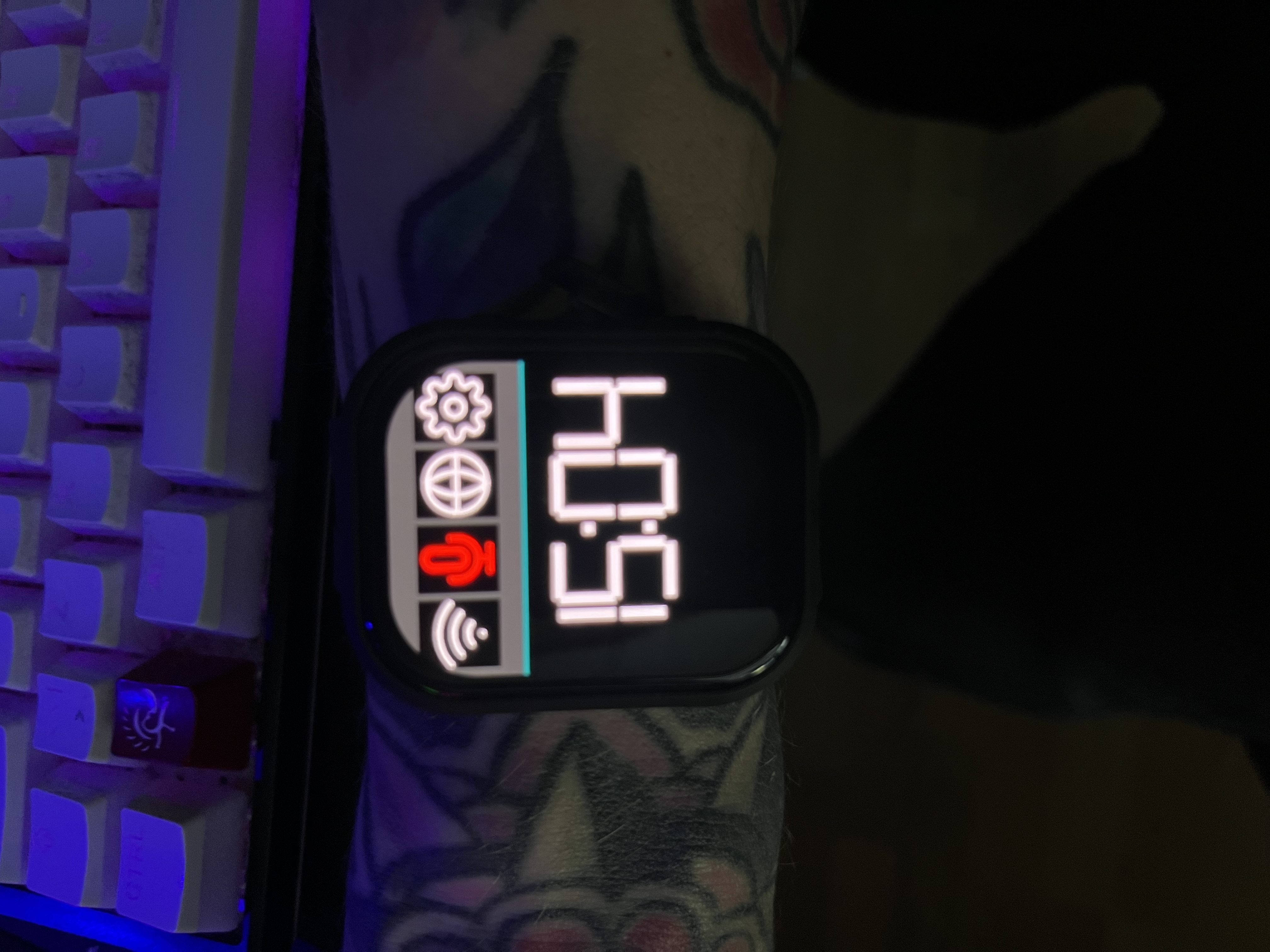
Homescreen showing the large-text clock and swipeable panel layout
- Waveshare ESP32-S3 smartwatch
- i2s microphone (RX)
- i2s speaker (TX)
- micro SD card
What You Will Build
You will flash a complete, bare-metal wearable operating system onto a Waveshare ESP32-S3 smartwatch. The result is a wrist-worn voice assistant that can control smart home devices, stream and play media, run shell scripts on a backend server, show a 3-day weather forecast, and serve its own web-based media player — all without touching a screen if you prefer.
The project was created by a blind developer, so accessibility drives every design choice: the graphical interface uses large, high-contrast elements, and every function the watch offers can also be reached through voice alone. If you want a deeply capable, hackable wearable built on modern embedded Rust, this is a serious starting point.
 \2
\2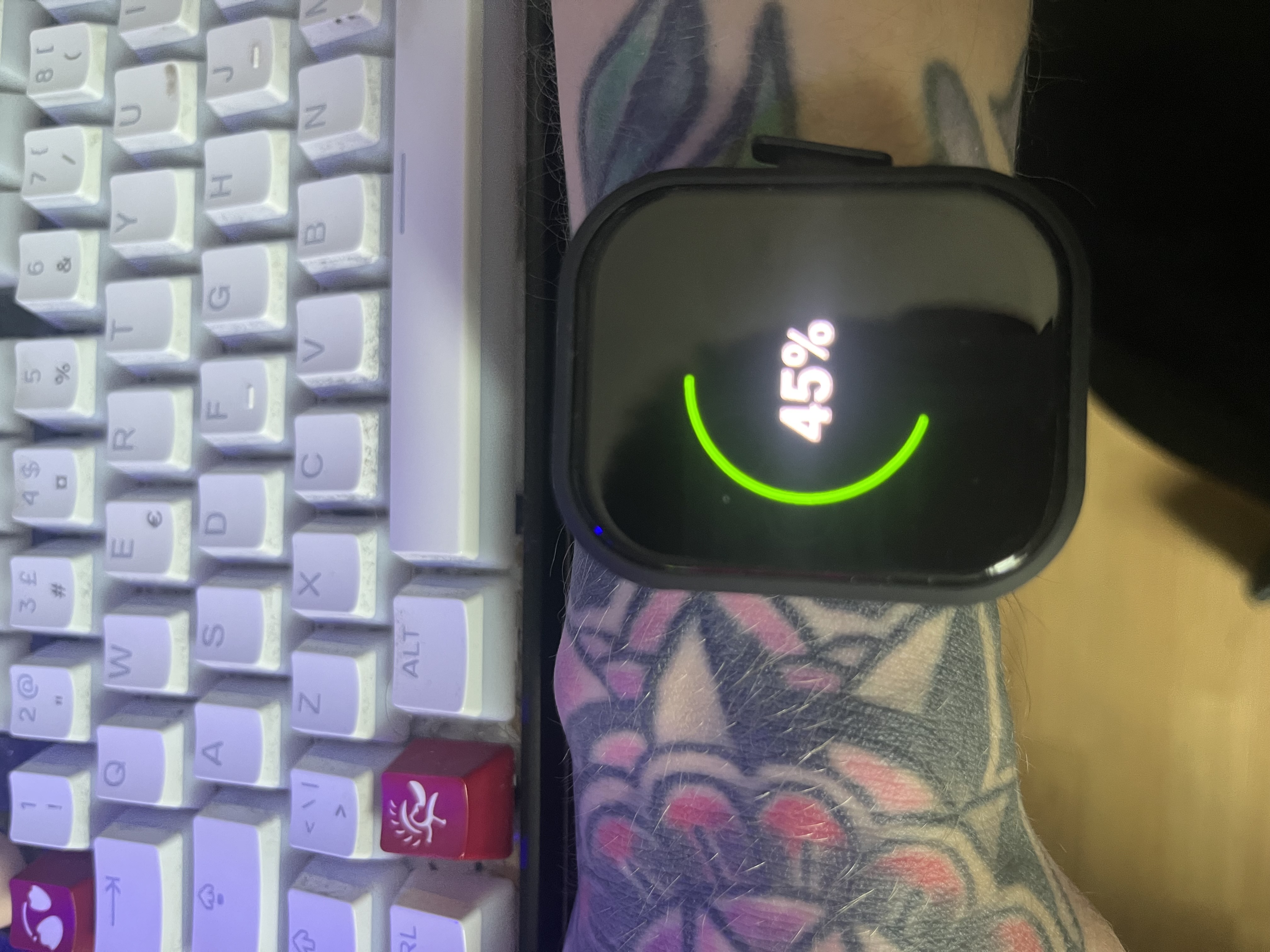 \2
\2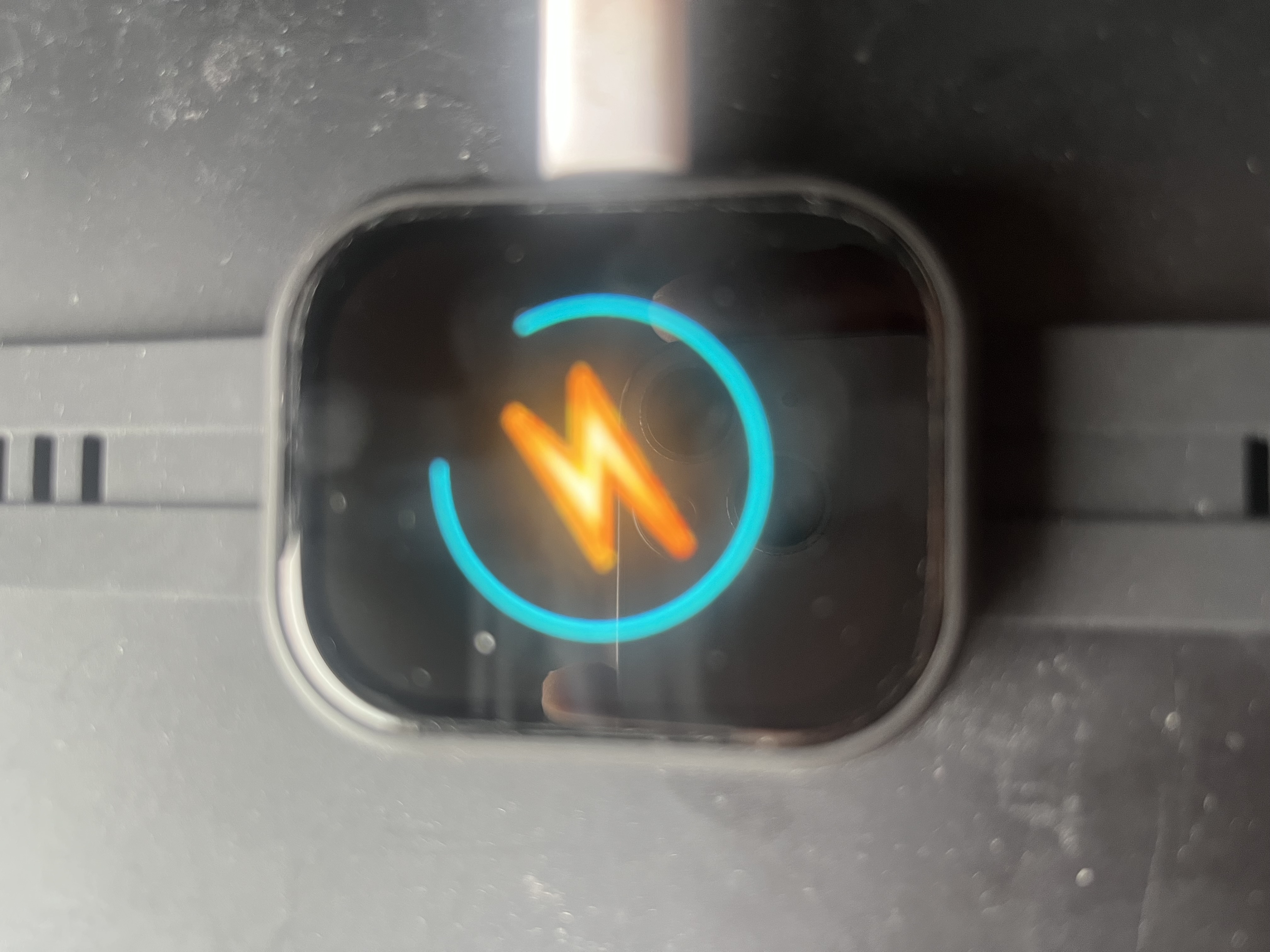 \2
\2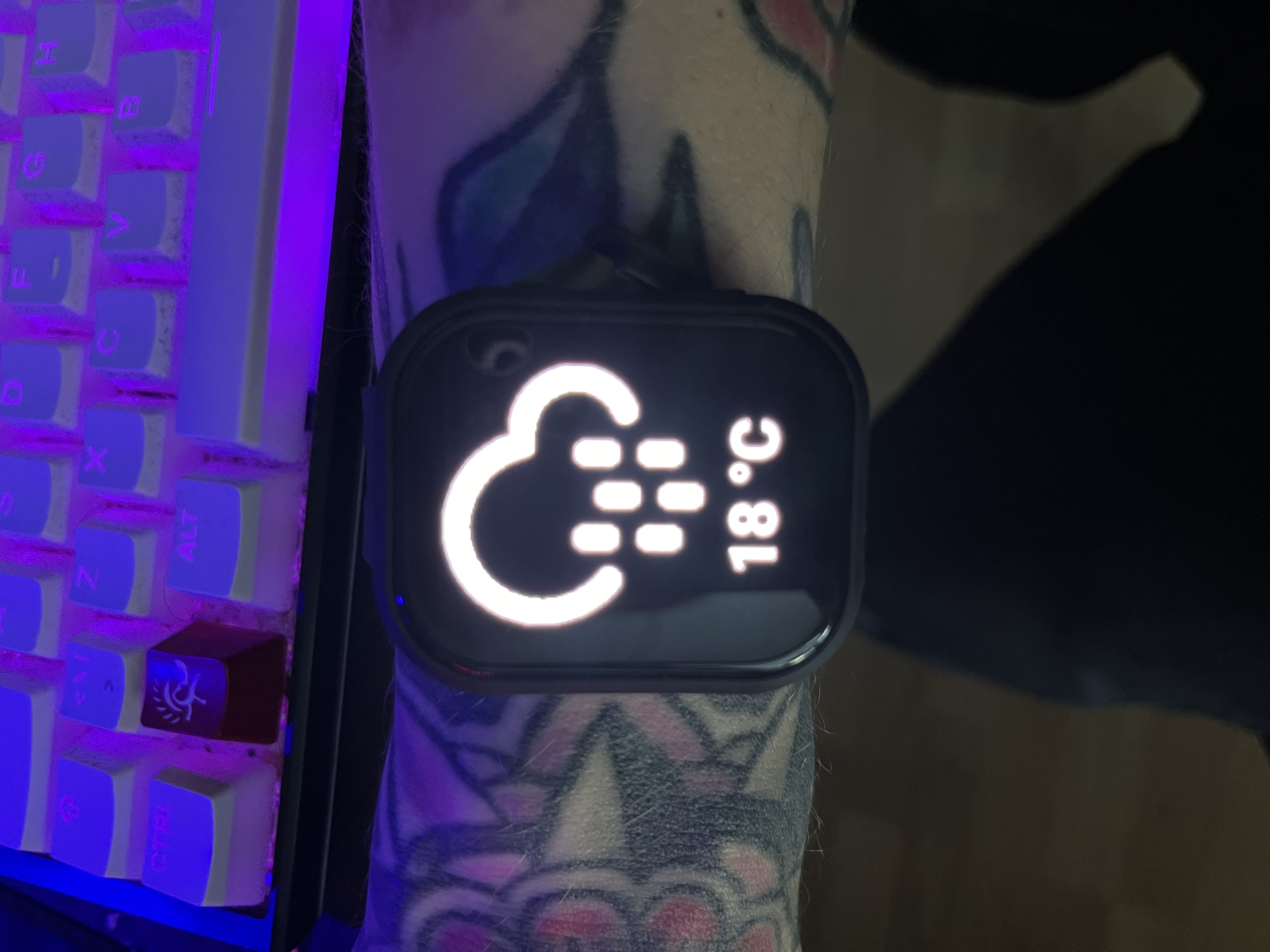 \2
\2What You Need
Hardware named in the README:
- Waveshare ESP32-S3 smartwatch (the target board)
- i2s microphone (RX) — already integrated on the target hardware
- i2s speaker (TX) — already integrated on the target hardware
- Micro SD card — for local media storage and filesystem
Software and tooling:
- Rust toolchain with
cargo(the project usescargo run --releaseto build and flash) - Docker and Docker Compose (the recommended build path)
- A companion backend service called
yorunning on a server or PC — this handles wake-word detection, speech-to-text, intent recognition, and text-to-speech synthesis; the watch streams audio to it over WiFi - A USB serial connection to your PC for initial flashing
Note that yo is a separate project and must be set up on a backend host. The watch firmware alone is not enough to get voice commands working — the two components work together over your local network.
Typical use cases
Trigger scripts, toggle devices, and control your home entirely by voice from your wrist — without touching a screen or phone.
Every function is reachable by voice, and the large high-contrast GUI makes the watch usable for blind and visually impaired makers.
Stream audio from an SD card, browse server media, and cast to Android TV — all served by a 50+ endpoint HTTP API running on the watch itself.
A working, complex no_std Rust project using esp-hal with async WiFi, i2s full-duplex audio, SSH, WireGuard, and modular library crates — useful as a study reference for advanced embedded Rust development.
How It Works
The firmware is written in no_std Rust using esp-hal as the hardware abstraction layer. There is no ESP-IDF API involved, which keeps the binary lean and gives the developer precise control over every peripheral.
Voice processing follows a split architecture: the watch captures audio through the i2s microphone, streams it to the yo backend, and receives text-to-speech audio back through a TCP server that feeds the i2s speaker. Wake-word detection, speech-to-text and intent matching all run on the backend. Intent matching uses a deterministic approach with smart caching inside voice intents, which the README reports gives an average processing time of 2.72 ms per command.
The watch also runs its own HTTP server with 50+ API endpoints, supports SSH (client and server), handles multiple WiFi SSIDs, supports WireGuard, enables remote file upload and download over the SD card, and can broadcast text-to-speech to every ESP32 device on the network simultaneously. Deep sleep is available for power saving, and the CPU clock can be adjusted at runtime from the GUI or via voice.
Build and Flash Steps
The README recommends Docker as the easiest path because it bundles the Rust toolchain and ESP32 flashing tools into a container.
Step 1 — Clone the repository
git clone https://github.com/QuackHack-McBlindy/ESP32-S3-WATCH-rs
cd ESP32-S3-WATCH-rs
Step 2 — Configure your environment
Copy the example environment file and fill in your WiFi credentials and any other required settings:
mv .env.example .env
nano .env
Step 3 — Find your serial port
The docker-compose.yaml needs to know which serial device your watch is connected to. On Linux:
ls -l /dev/serial/by-id/
Edit docker-compose.yaml to match the port shown.
Step 4 — Build and flash with Docker
docker compose build
docker compose up
Building from source without Docker
If you prefer to manage the Rust toolchain yourself, configure the .env file as above and then run:
cargo run --release
Step 5 — Set up the yo backend
Once the watch is flashed and on your network, you need the yo service running on a server or desktop machine on the same network. Follow that project's own setup instructions to enable wake-word detection and speech processing. The watch will stream microphone audio to it automatically once configured.
Navigating the Interface
Once running, the watch presents a touch-based GUI with swipe navigation:
- Swipe left/right on the homescreen to move between home panels
- Swipe far left to reach the app launcher, then swipe up/down to scroll apps
- Double-tap an app in the launcher to open it
- The control center, battery status, charging screen, and tinyWeather (3-day forecast) are all reachable from the homescreen swipes
- Settings are navigated by swiping left/right between pages and up/down to adjust values
For voice control, say your wake word followed by a command. The README example: "yo bitch! play the duck song". You define your own wake word and commands inside the yo backend using its scripting system.
Extending It and Limitations
Ideas to extend it:
- Write custom voice commands and shell scripts in the
yobackend — the author runs 57 different scripts triggered by 272 million recognised phrase variations - Use the HTTP API (
curl http://<ESP_IP>/api/media/search/songs/mysong) to integrate the watch into home automation workflows or trigger playback from other devices - Add your own media to the SD card and use the fuzzy search API to play it by name
- The web-based Qwackify media player is served directly from the watch and supports casting to Android TV — you can browse and play server-stored media through any browser on your network
- The project is structured as modular library crates (
barely-fuzzy,embedded-png,embedded-keyboard,es7210,es8311,tinyapi,yo-esp) that you can reuse in other ESP32 projects
Current limitations to be aware of:
- The full voice pipeline is not yet entirely
no_std— speech processing still relies on theyobackend server, so the watch needs a network connection and a running backend to use voice features - Pinch-to-zoom and phone calls/SMS (HFP) are listed as not yet implemented in the README
- Nix flake support is marked TODO
- This is a personal project tailored to one person's hardware and workflow — expect to read the source code carefully and adapt configuration to your own setup
ESP32-S3-WATCH-rs is one of the most feature-complete bare-metal Rust firmware projects for ESP32, built out of genuine necessity by its blind author rather than as a demo. The split voice architecture — watch streams audio, backend handles AI processing — keeps the firmware lean while delivering real-world performance. It is not a beginner project, but if you are comfortable with Rust and embedded toolchains, it is a serious foundation for a genuinely useful voice-controlled wearable.
Sources
github.comQuackHack-McBlindy/ESP32-S3-WATCH-rs — repository & READMEFacts in this article come from the project's public README and GitHub metadata at the time of writing. Images belong to their respective owners and link back to the original source.