Nest Audio PCB: Open-Source ESP32-S3 Voice Assistant Drop-In
- ESP32-S3R8
- XMOS XU316-1024-QF60B
- Dual MEMS microphones
- High-power audio amplifier (TBD)
- USB-C connector
- 14V barrel jack
- Google Nest Audio (donor unit)
What You Will Build and Why It Matters
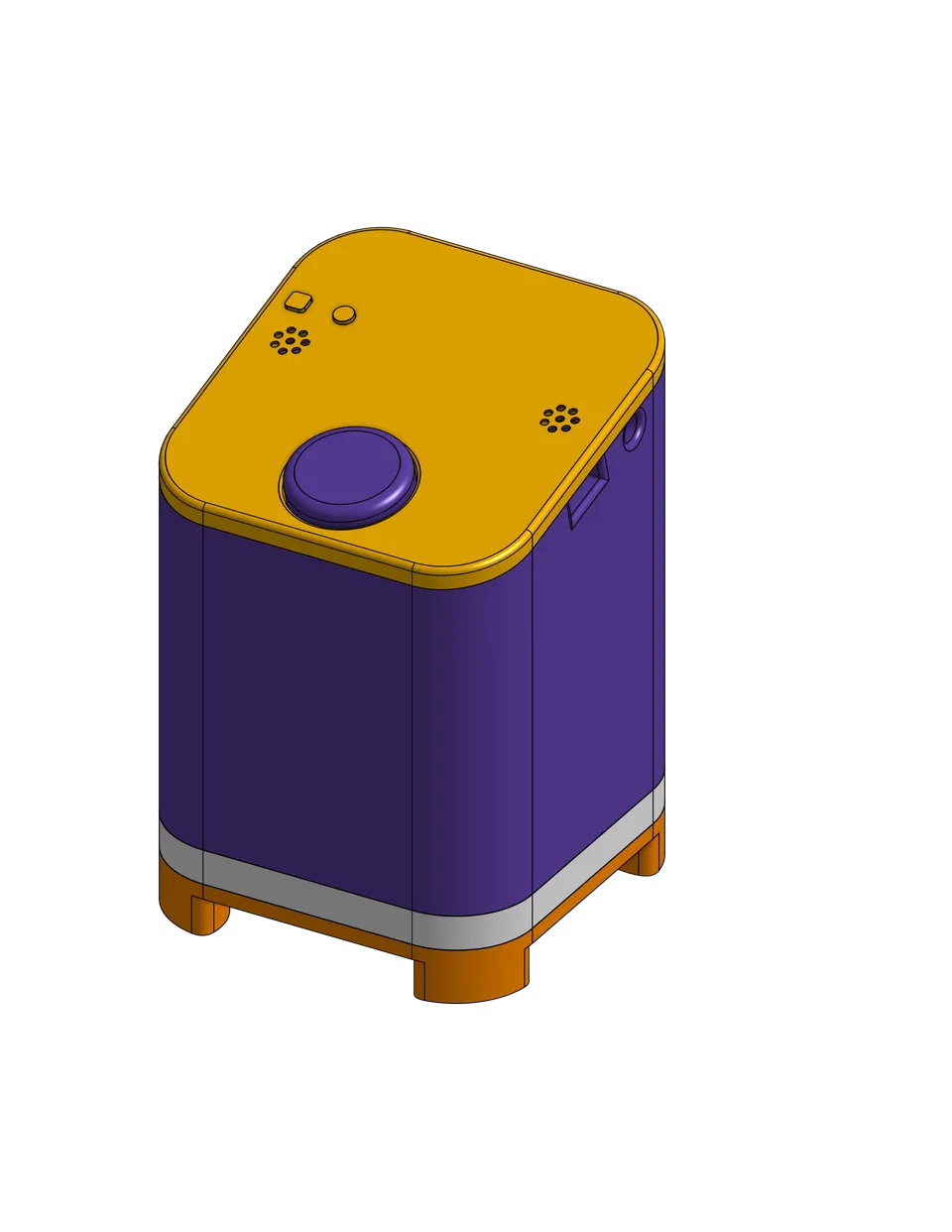
The Google Nest Audio is a well-designed speaker that sits in many homes — but its stock mainboard runs Google's proprietary cloud stack, meaning every voice command leaves your network. This project swaps that mainboard for an entirely open-source PCB that fits the original enclosure using the original T6 mounting screws and connects to the existing speakers and power supply.
The replacement board pairs an ESP32-S3R8 — a dual-core chip with built-in WiFi and Bluetooth — with an XMOS XU316 DSP co-processor that handles the heavy lifting of acoustic echo cancellation (AEC), noise suppression, and beamforming. A high-power amplifier drives the Nest Audio's larger speaker drivers, and dual MEMS microphones provide far-field voice capture. The result is a voice assistant that processes wake words locally on the ESP32-S3, streams recognised speech to Home Assistant over WiFi, and receives spoken responses back through the same audio chain — all without touching an external server.
This is an early-stage community project. Hardware measurements, final amplifier selection, and several documentation sections are still in progress. Read the project status section before ordering parts.
What You Need
Donor hardware
- One Google Nest Audio (you will remove and discard the original mainboard)
- T6 Torx screwdriver for disassembly
PCB and components
- KiCad files from
hardware/kicad/— opennest-audio-pcb.kicad_proin KiCad 9.0 or later - Bill of materials at
hardware/bom/bill-of-materials.csv— components are available from Digi-Key, Mouser, and LCSC - Key ICs: ESP32-S3R8 (MCU), XMOS XU316-1024-QF60B (DSP), dual MEMS microphones
PCB fabrication
- Upload the KiCad Gerbers to a manufacturer such as JLCPCB or PCBWay
- Specify 1.6 mm board thickness and ENIG surface finish
Assembly tools
- Hot air rework station (required for QFN-package ICs — the XMOS XU316 is a 60-pad QFN)
- Reflow oven or hot plate
- Fine-tip soldering iron and flux
- Multimeter and oscilloscope for test-point verification
Software
- ESPHome installed locally or via the Home Assistant add-on
- Home Assistant instance on your local network
- KiCad 9.0+ if you plan to review or modify schematics
Typical use cases
Run wake-word detection on the ESP32-S3 and process speech entirely within your Home Assistant instance, with no cloud dependency.
Give a retired or broken Google Nest Audio a second life with a fully open-source mainboard rather than discarding it.
Use the speaker as a hands-free control point for lights, locks, climate and other Home Assistant devices in any room.
The XMOS XU316 with AEC and beamforming is a capable DSP platform for makers interested in far-field audio research and custom voice pipelines.
How the Audio Chain Works
Understanding the signal path helps you debug any issues during bring-up.
- Capture — Two MEMS microphones pick up voice in far-field conditions.
- DSP pre-processing — The XMOS XU316 runs acoustic echo cancellation, noise suppression, and beamforming in real time, then passes cleaned audio to the ESP32-S3 over I2S.
- Wake-word detection — The ESP32-S3 listens for the configured wake word locally ("Hey Jarvis", "OK Google", or a custom phrase).
- Voice pipeline — On detection, the ESP32-S3 streams audio to Home Assistant over WiFi using the Wyoming protocol for speech-to-text processing.
- Response playback — Home Assistant sends synthesised speech back to the ESP32-S3, which forwards it through the amplifier to the Nest Audio's speaker drivers.
The board accepts power via either a USB-C connector or the original 14V barrel jack, giving you flexibility during development and in final installation.
Build and Flash Steps
Step 1 — Review and order
Clone the repository and open hardware/kicad/nest-audio-pcb.kicad_pro in KiCad 9.0+. Cross-check the schematics — mcu.kicad_sch, audio.kicad_sch, power.kicad_sch, and io.kicad_sch — against the bill of materials before placing any orders.
Step 2 — Fabricate the PCB Export Gerbers from KiCad and upload them to your chosen manufacturer. Select 1.6 mm thickness and ENIG finish. The board is designed to fit the original Nest Audio enclosure and uses the original T6 screw-hole pattern.
Step 3 — Assemble
Follow docs/assembly-guide.md in the repository. The XMOS XU316 is a QFN-60 package that requires a hot air station and careful stencil paste application. Test points are provided across the board for multimeter and oscilloscope verification at each power rail and signal line before powering on.
Step 4 — Flash ESPHome firmware
The repository provides a ready-made ESPHome configuration at firmware/esphome/nest-audio.yaml. A minimal excerpt showing the target board definition:
esp32:
  board: esp32-s3-devkitc-1
  variant: esp32s3
  flash_size: 8MB

voice_assistant:
  microphone: mic_array
  speaker: amp_output
Follow the detailed steps in docs/flashing-guide.md. After the initial wired flash, OTA updates are supported so you can iterate on firmware without opening the enclosure again. WiFi credentials can be provisioned over BLE.
Step 5 — Install in enclosure Disassemble the Nest Audio, remove the original mainboard, seat this PCB using the original mounting screws, reconnect the speakers, and reassemble. Connect power via USB-C or the 14V barrel jack.
Project Status and Honest Limitations
This project launched in early 2026 and is still in active hardware design. Before committing time and money, note what is and is not yet finalised:
| Status | Item |
|---|---|
| Done | Project initialisation, KiCad structure, ESPHome config skeleton |
| In progress | Physical PCB measurements from 3D scan of donor unit |
| Not yet done | Final amplifier selection, LED selection, prototype fabrication, prototype testing, complete documentation |
Several component values in the bill of materials are listed as TBD, including the amplifier model and LED part numbers. PCB dimensions are also pending confirmation from physical measurements. The docs/assembly-guide.md and docs/flashing-guide.md files referenced in the README had not been fully written at the time of publication.
In short: this is the right time to watch the repository, contribute measurements or component suggestions, and prepare your tooling — but it is not yet ready for a first-time builder to order and assemble without following the repository closely for updates.
Ways to Extend the Project
Once a stable prototype exists, the ESP32-S3 and ESPHome combination opens several directions:
- Custom wake words — ESPHome supports custom wake-word models, so you can train a phrase that fits your household.
- Local speech-to-text — Pair Home Assistant with a local Whisper instance via the Wyoming protocol to keep all audio processing on your LAN.
- Multi-room audio — ESPHome's media player component can join the device into a multi-room group with other ESPHome speakers.
- Different enclosures — The community is exploring compatibility with other enclosures beyond the Nest Audio; contributing measurements would help.
- Amplifier tuning — Once the amplifier is finalised, EQ curves and gain settings can be adjusted in firmware to match the Nest Audio's specific driver characteristics.
- Contributing hardware data — The project explicitly needs PCB measurement verification, thermal testing results, and assembly feedback. If you have a donor Nest Audio and access to calipers or a 3D scanner, your data directly unblocks the next phase.
The nest-audio-pcb project is an ambitious and well-structured open-hardware effort that, once complete, will offer one of the cleanest paths to a fully local ESP32-S3 voice assistant in a consumer-grade enclosure. Because it is still in the hardware design phase — with several component values, PCB dimensions, and key documentation files still outstanding — it is best suited right now to experienced makers who want to contribute to the design rather than builders looking for a finished kit to follow. Keep an eye on the repository; when the first prototype clears testing, this will be a genuinely compelling build.
Sources
github.comrauli2780/nest-audio-pcb — repository & READMEFacts in this article come from the project's public README and GitHub metadata at the time of writing. Images belong to their respective owners and link back to the original source.